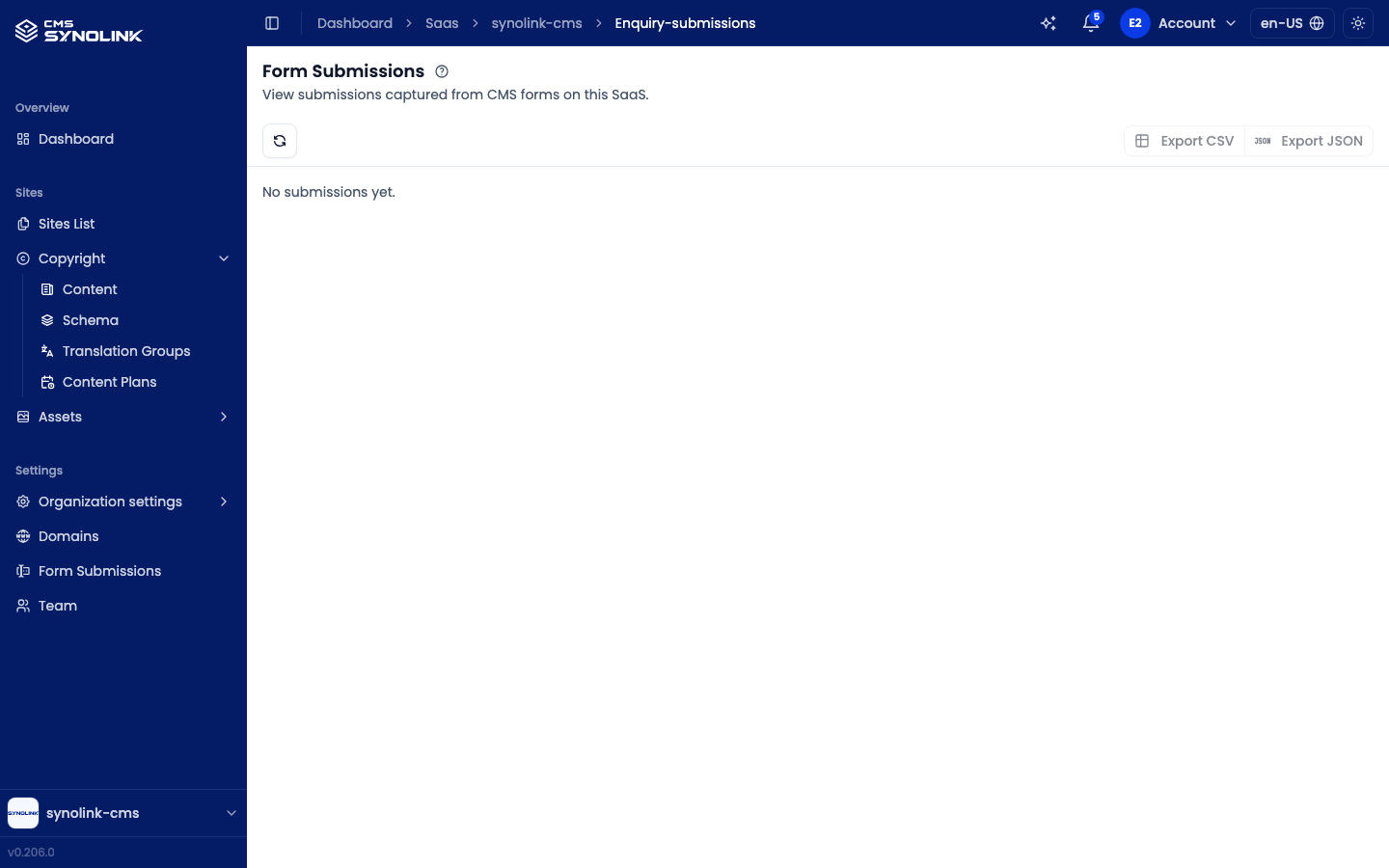
Submissions that visitors send through the forms on your sites (contact, booking, and so on) are collected on the Form Submissions screen. Open it from Settings → Form Submissions.
Reading submissions
Each submission is one row showing when it was submitted and a short summary of its fields. Click a row to expand it and see:
- every field the visitor submitted, and
- its metadata — Submission ID, IP, and User Agent.
When nothing has been submitted yet, the screen shows No submissions yet. The list shows 20 submissions per page; use the pagination at the bottom to move between pages.
The five most recent submissions also appear under Recent Enquiries on the Overview dashboard.
Toolbar
| Control | What it does |
|---|---|
| Refresh (circular-arrow icon, left) | Reloads the list to pull in the latest submissions |
| Export CSV | Downloads the submissions as a CSV file, for spreadsheets |
| Export JSON | Downloads the submissions as a JSON file, for moving data into another system |
Exports contain only the page you're currently viewing (up to 20 submissions). To export more, move to each page and export it. The export buttons are disabled when there's nothing to export.
Deleting a submission
Click the trash icon at the end of a row, then confirm in the Delete this submission? dialog. Deletion is permanent and can't be undone.
Deleting submissions requires the Admin role or higher. For other roles the trash icon is disabled.
Creating a form
The form itself is built in the page editor by adding a form element to a page and configuring its fields (name, contact details, message, etc.). Visitor submissions then accumulate on this screen. See Components: Forms for details.
Submissions may contain personal data — store exported files securely, in line with your organization's security policy.