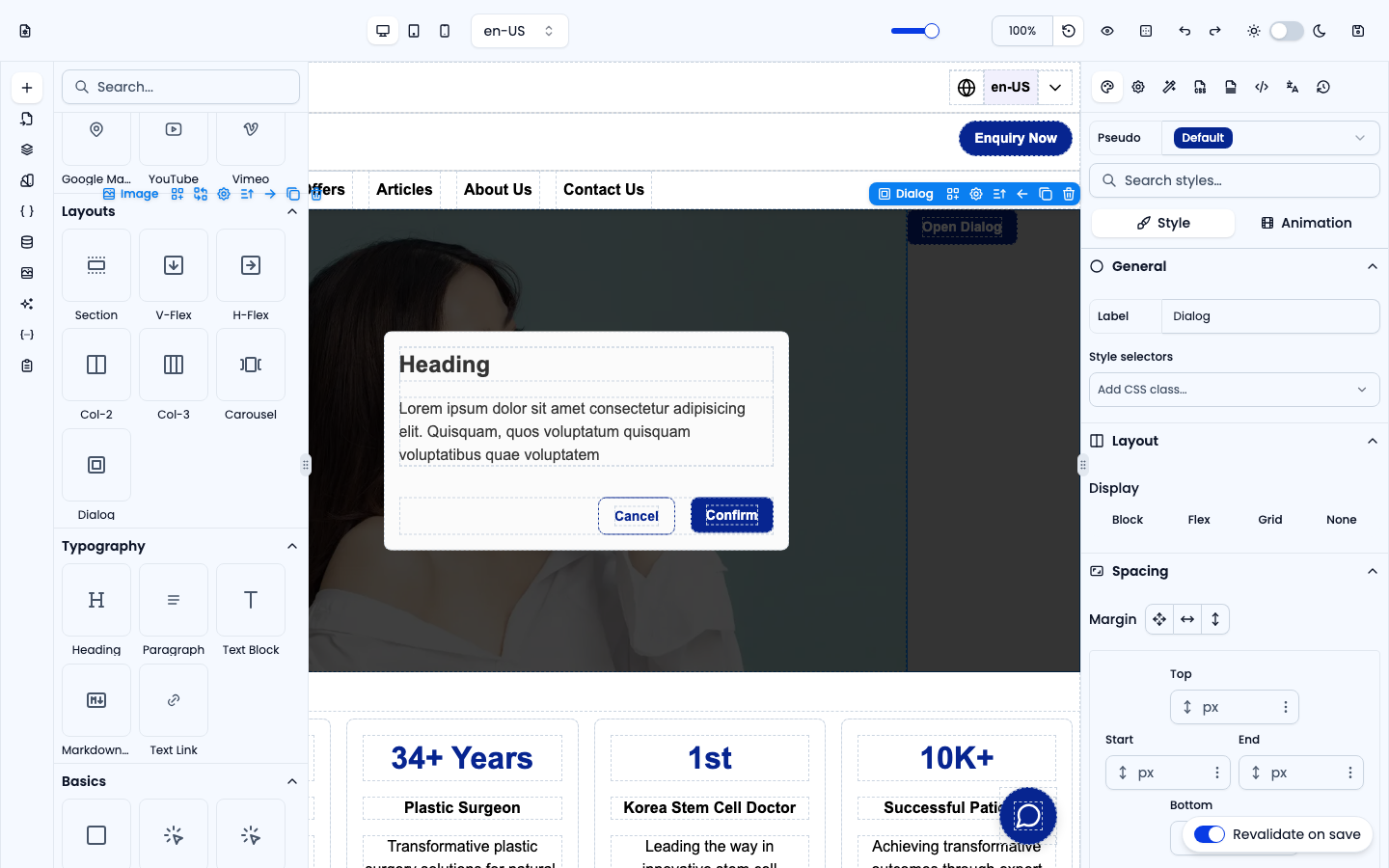
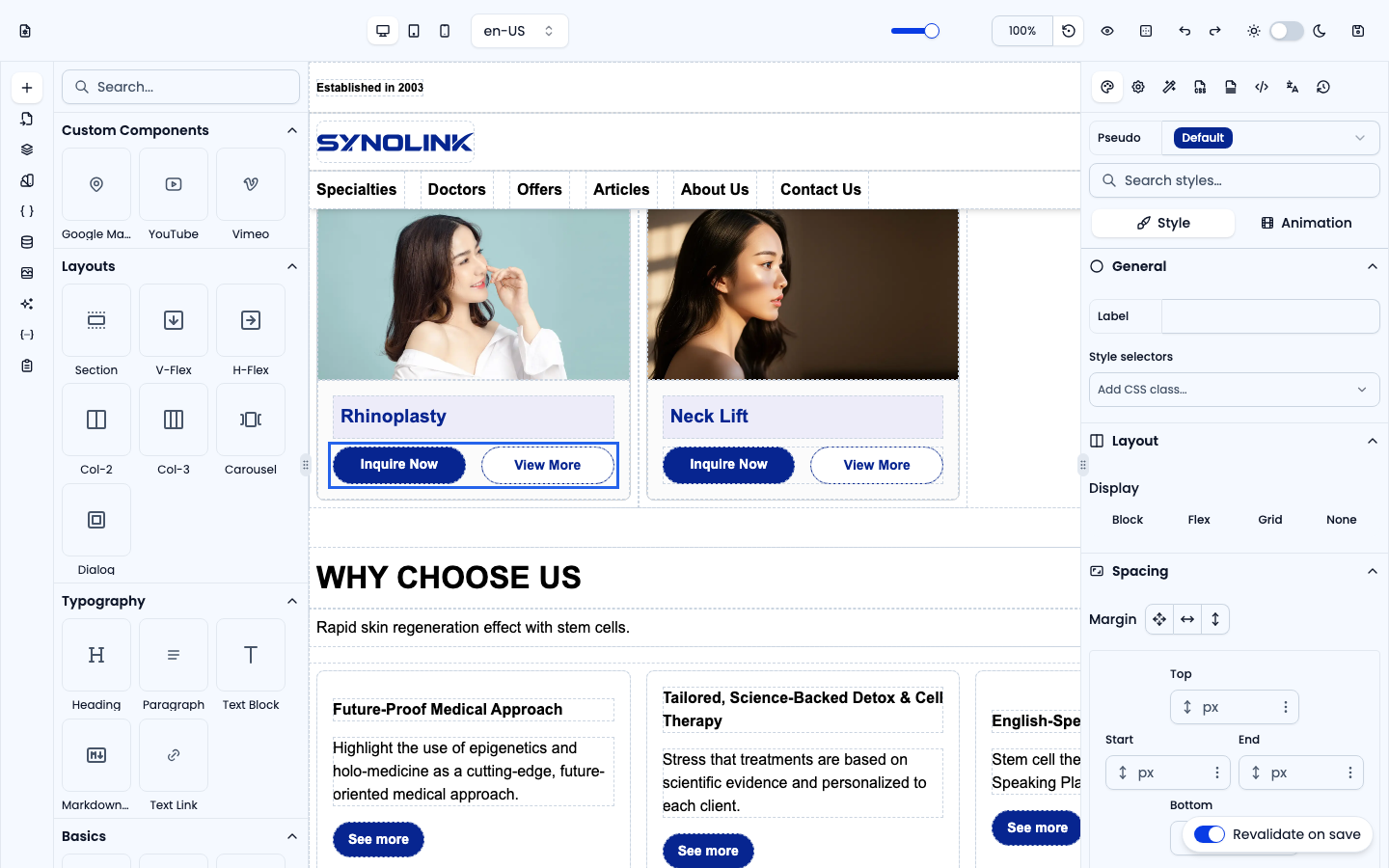
The Layouts group provides the structural containers that arrange everything else on the page. Drag one onto the canvas, then drop content inside it.
Section
A full-width <section> with a centred inner container (max 1280 px). This is the standard wrapper for a page section — use one per major band of content.
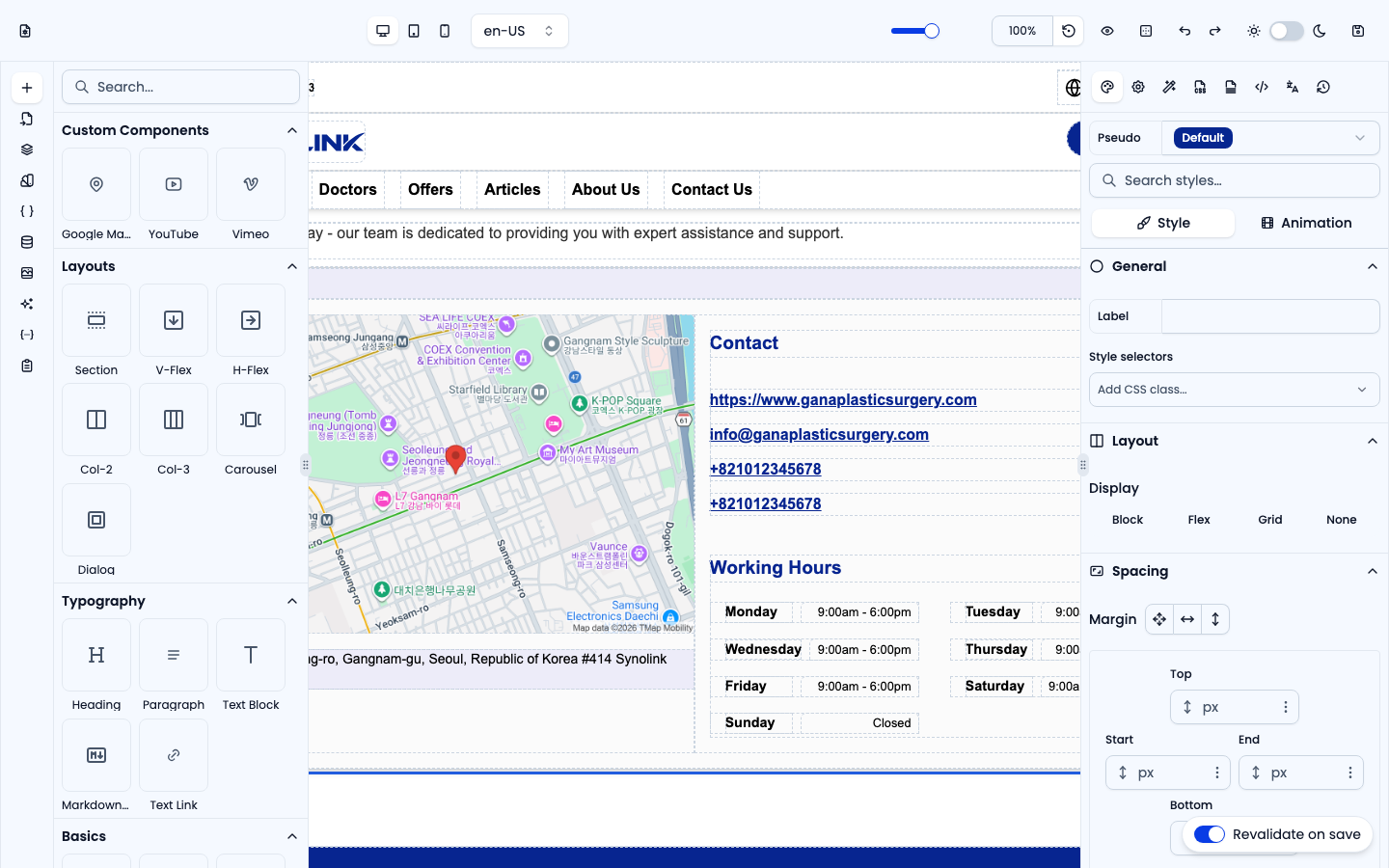
V-Flex
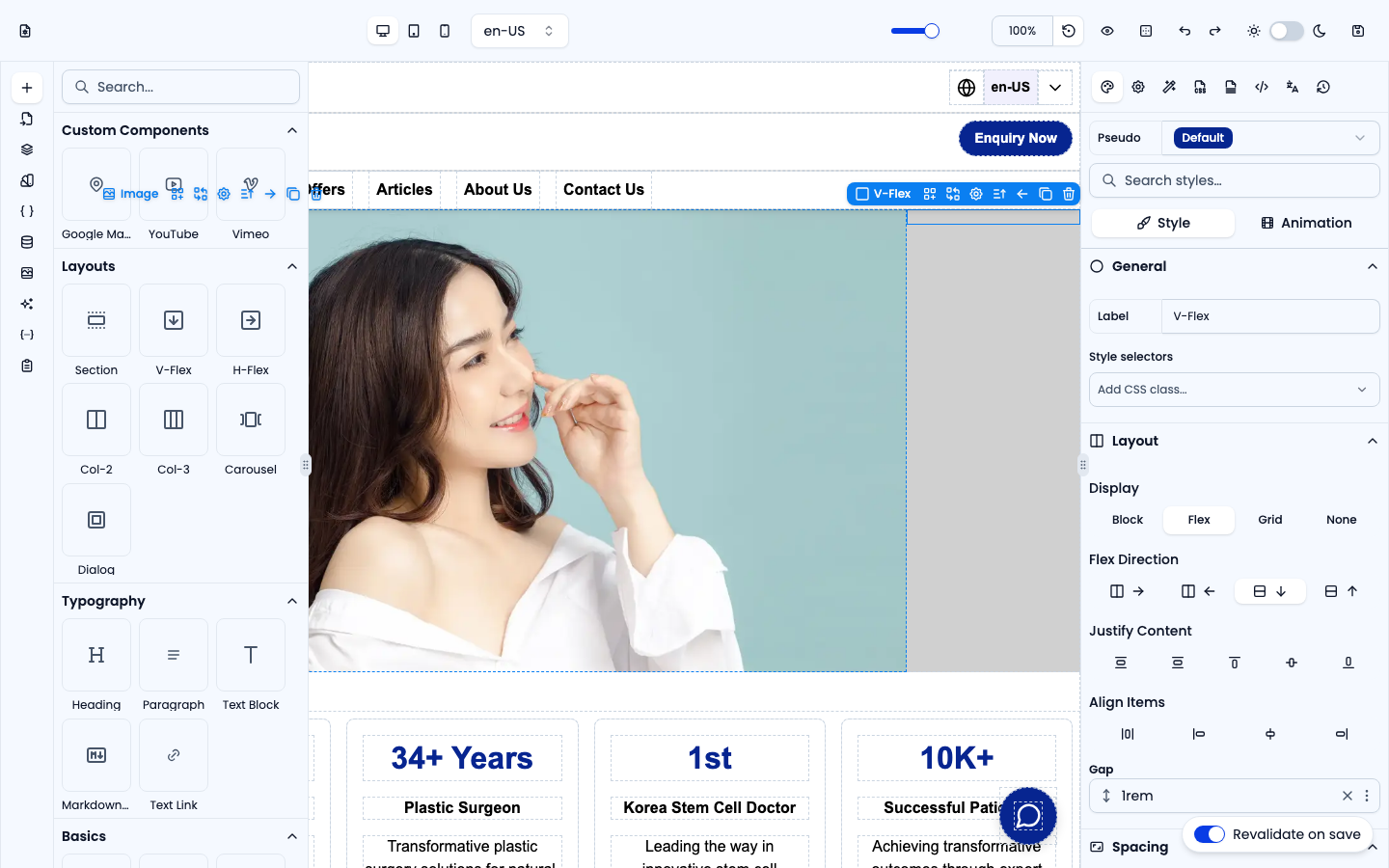
A vertical flex column: children stack top-to-bottom with a gap between them. Best for stacking a heading, text and a button.
H-Flex
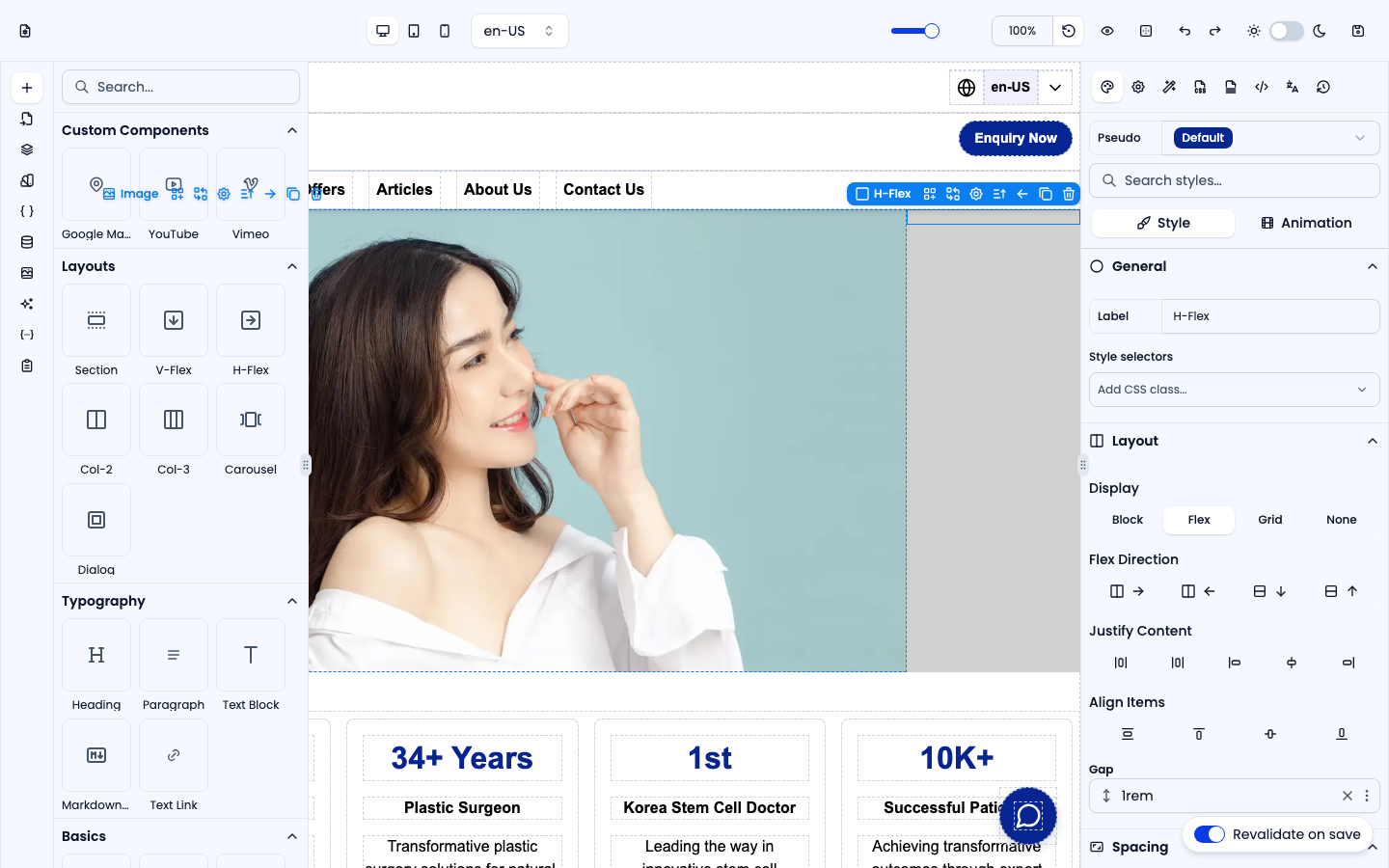
A horizontal flex row that wraps onto the next line when space runs out. Best for rows of buttons, chips or cards.
Col-2
A responsive grid-layout preset with a maximum of 2 columns. Drop cards (or any elements) into the cells; on mobile it automatically collapses to a single column.
Col-3
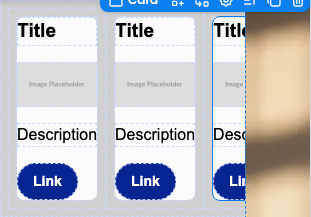
A responsive grid-layout preset with a maximum of 3 columns — two columns on tablet and one column on mobile. Drop cards (or any elements) into the cells.
Carousel
A horizontally scrolling carousel of slides (Carousel Items). Slide width is configurable per device (desktop / tablet / mobile) so you can show, say, three slides on desktop and one on mobile.

Dialog
An overlay modal with a dark backdrop, pre-built with a heading, description, a Close button and a Confirm button. Open and close it with Actions.