Assets are the media files used across your sites: images, videos, and documents. Manage them from Sites → Assets in the left sidebar. The library is shared, so you upload a file once and reuse it on every site in the workspace. You can search, filter by tag, preview, edit, and delete assets, and switch between a gallery and a folder view.
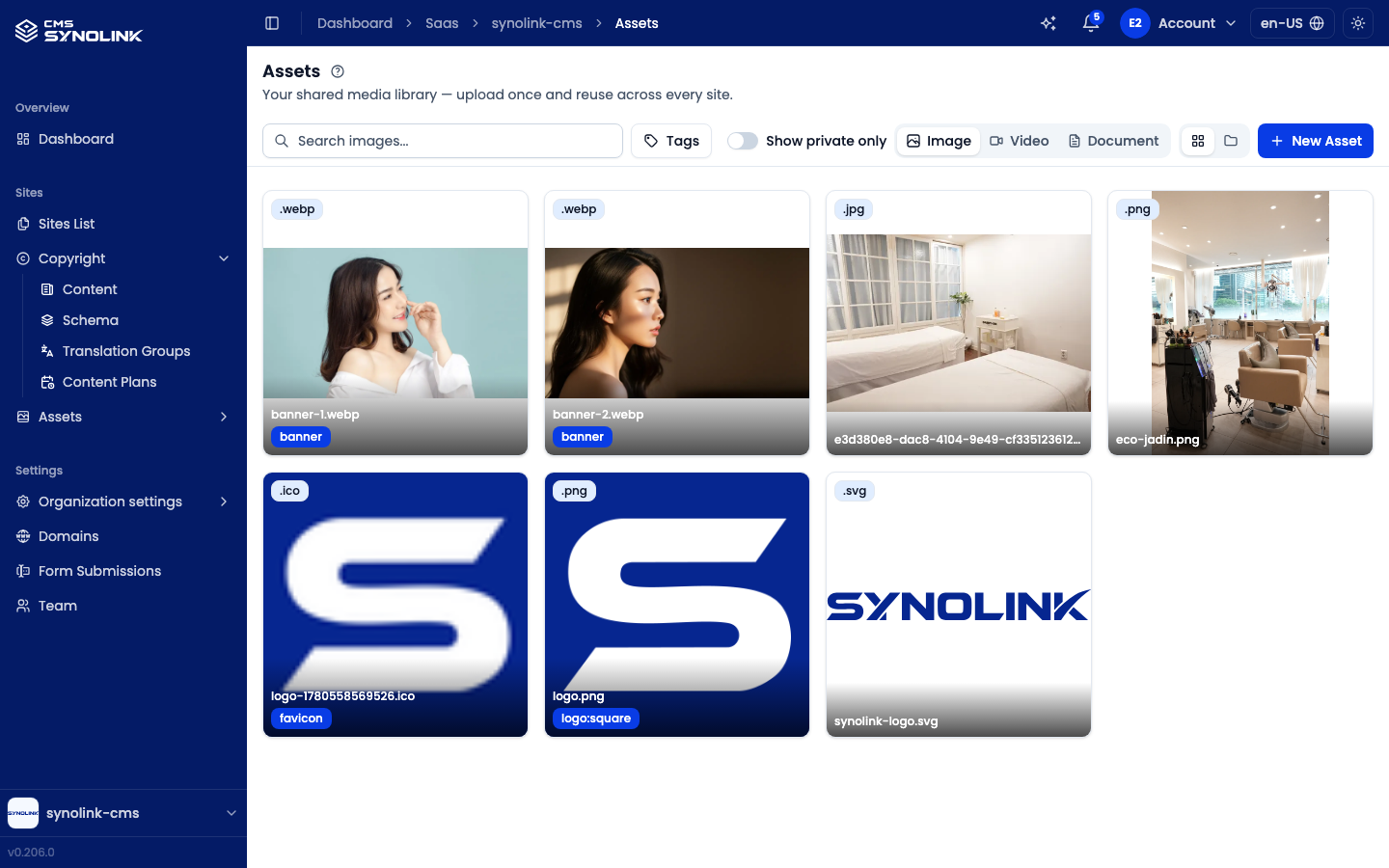
The assets screen
The toolbar across the top controls what you see. It stays pinned under the page header while you scroll:
| Control | What it does |
|---|---|
| Search… | Filter the current tab by file name. The placeholder follows the tab: Search images…, Search videos…, or Search documents… |
| Tags | Filter by one or more tags (see Filtering by tag below) |
| Show private only | Toggle between Public assets (default) and Private ones |
| Image · Video · Document | Tabs that switch the asset type you're viewing |
| View tabs | Two icon tabs — grid for Gallery view, folder for Directory view |
| New Asset | Upload a new file (end of the toolbar) |
On a narrow screen the search box and tag filter sit on their own line, with the other controls wrapping below them.
Type tabs
| Tab | Contents | Gallery layout |
|---|---|---|
| Image | Photos, logos, banners, etc. | Thumbnail grid |
| Video | Video files | Thumbnail grid |
| Document | PDFs, office files, and other documents | Table (Name, Type) |
Each image card shows the file's type badge (e.g. .webp, .png, .ico), a Private badge when applicable, the file name, and its tags. Video cards show the type and Private badges. Hover a card to reveal its action buttons. The gallery loads more assets automatically as you scroll (24 at a time).
Filtering by tag
Click Tags and type in Filter or add a tag…. Pick a suggested tag, or press Filter by "{tag}" to filter by a tag that isn't in the suggestions yet. Only assets that have every selected tag are shown. The selected tags appear as chips under the toolbar; click a chip to remove it.
In the image gallery you can also click a tag on a card to add it to the filter.
Directory view
Click the folder tab (Directory view) to browse assets by folder, like a file explorer. The view opens inside the current type's root folder (e.g. images) and fills the screen, so only the file table scrolls.
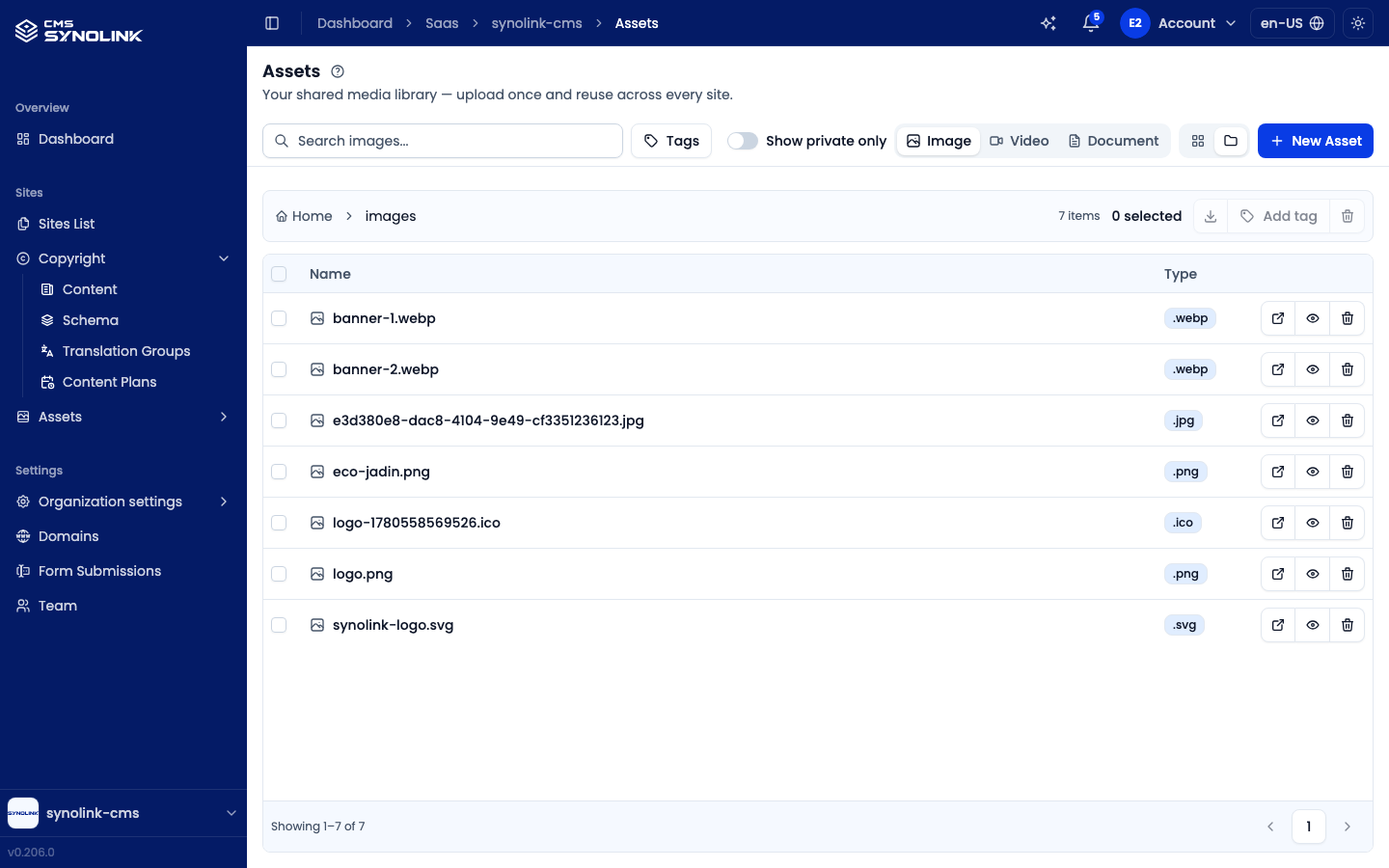
- A single bar above the table holds everything: the breadcrumb (Home › images) on the left to move between folders, then the item count ({n} items), the selection count ({n} selected), and the batch actions — Download, Add tag, and Delete.
- The table lists folders first, then files, with Name and Type columns and the usual per-file actions.
- Files are shown 50 per page. Use the arrows at the bottom (Showing {from}–{to} of {total}) to page through.
- Tick files (or the header checkbox to select every file on the page), then use the batch actions in the bar. Your selection is kept when you change folders or pages.
Add tag and batch Delete need edit permission. Download is always available.
Uploading an asset
Click New Asset to open the Upload Media Asset dialog. It has two tabs, File Upload and URL Upload. The dialog accepts only the type of the tab you opened it from. For example, from the Image tab it accepts image files. The allowed document formats (PDF, office files, CSV, HWP, and others) are provided by the server.
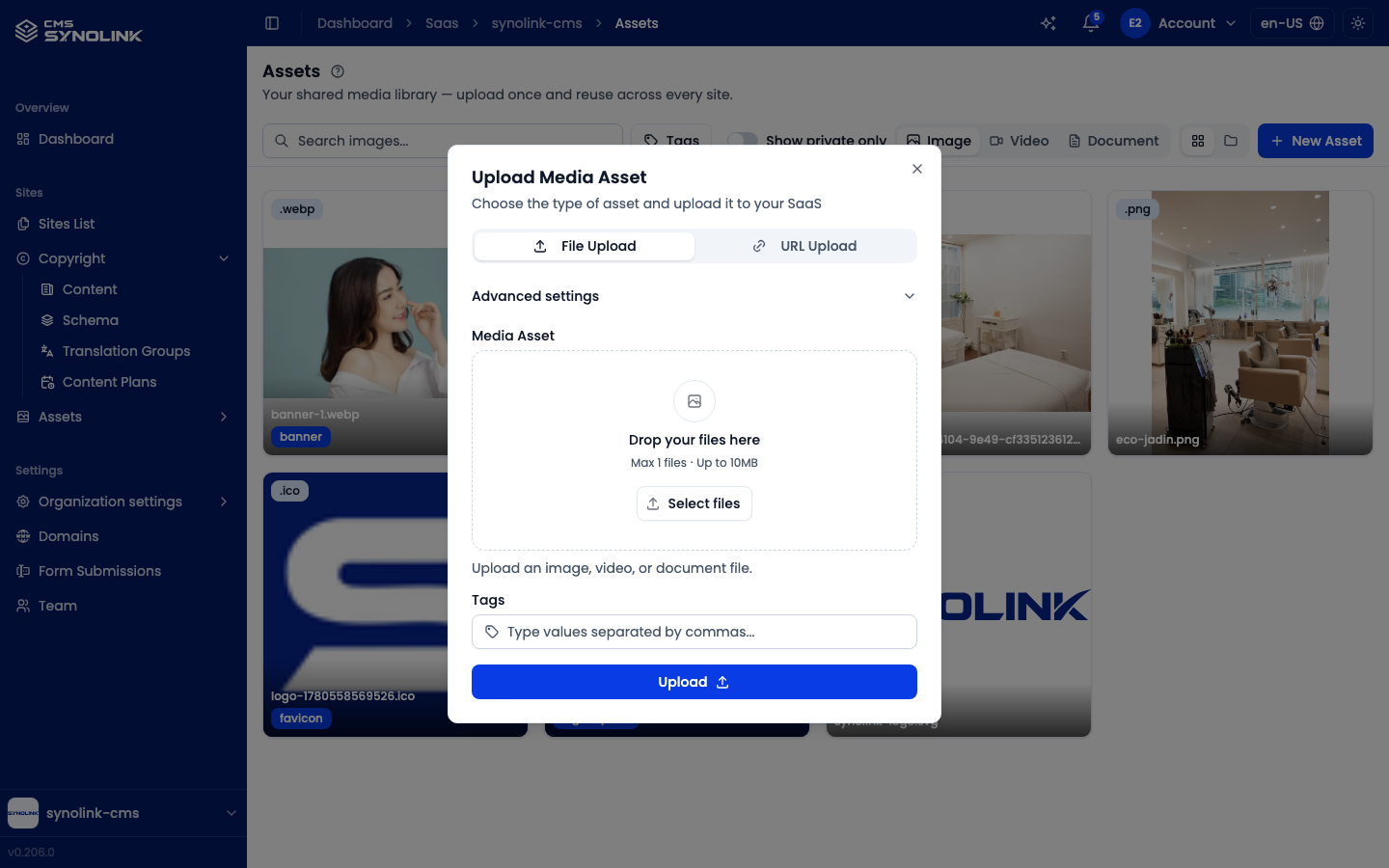
File Upload
- Drop a file onto the upload area, or click Select files (1 file, up to 10 MB).
- Optionally add Tags (comma-separated) to make the asset easier to find later.
- Click Upload.
URL Upload
- Switch to the URL Upload tab.
- Paste the file's Url. The server fetches the file for you.
- Optionally add Tags.
- Click Upload from URL.
Advanced settings
Expand Advanced settings for finer control over where and how the file is stored:
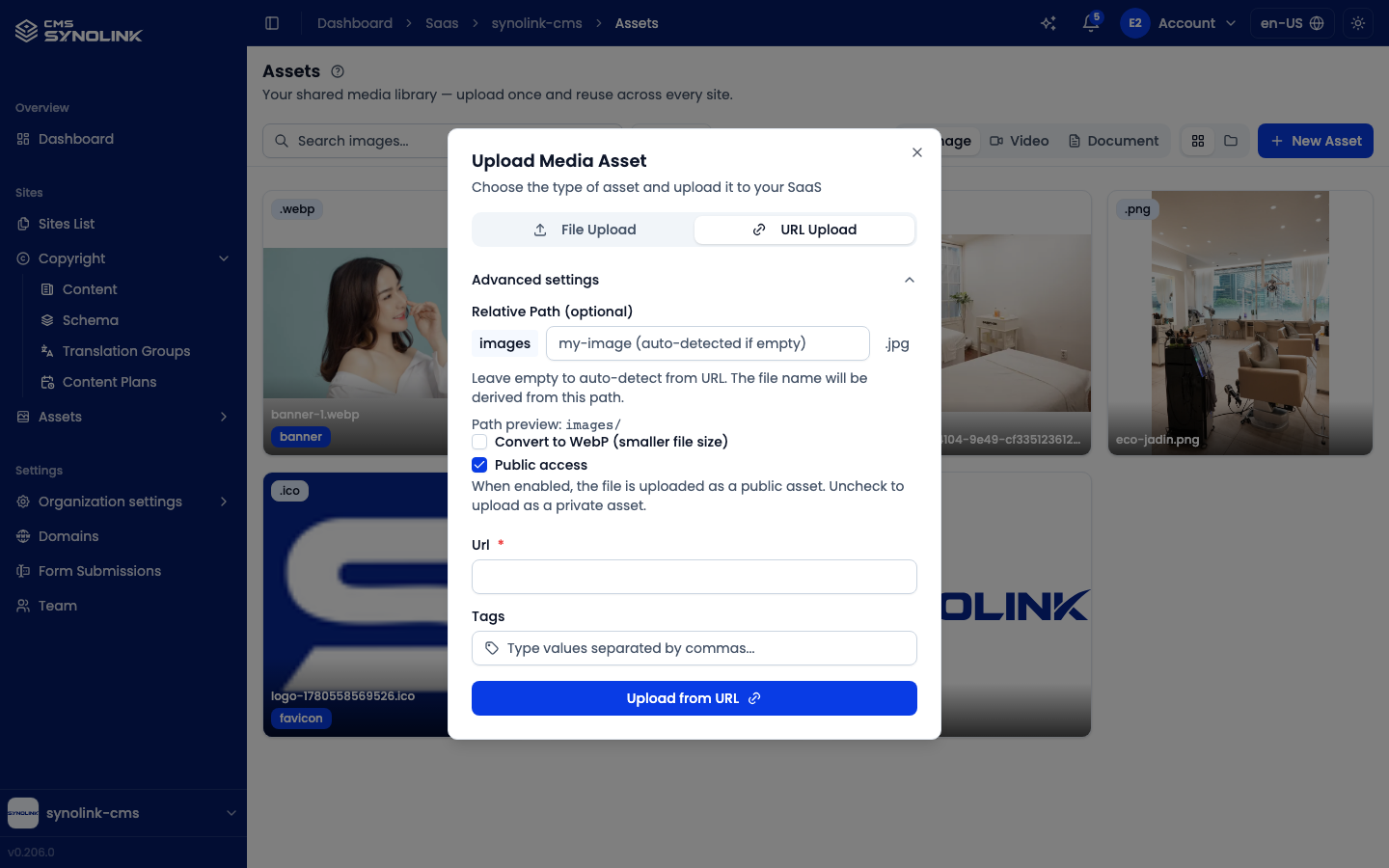
| Option | What it does |
|---|---|
| Relative Path | The folder and file name the asset is saved under. The root folder (images / videos / documents) is set automatically, and Path preview: shows the result. On URL upload the field is optional: leave it empty to auto-detect the name from the URL. |
| Convert to WebP (smaller file size) | Images only. Re-encodes the image as WebP for a smaller file and faster loading. Not shown for files that are already WebP. |
| Public access | On by default, so the file is uploaded as a public asset. Uncheck it to upload a private asset. |
Previewing, editing & deleting
Hover an image or video card (or use the buttons on a table row) to reach the per-asset actions:
| Action | Icon | What it does |
|---|---|---|
| Download | ↗ | Opens the original file in a new tab |
| Preview | 👁 | Opens a large preview dialog |
| Delete | 🗑 | Removes the asset (asks for confirmation first) |
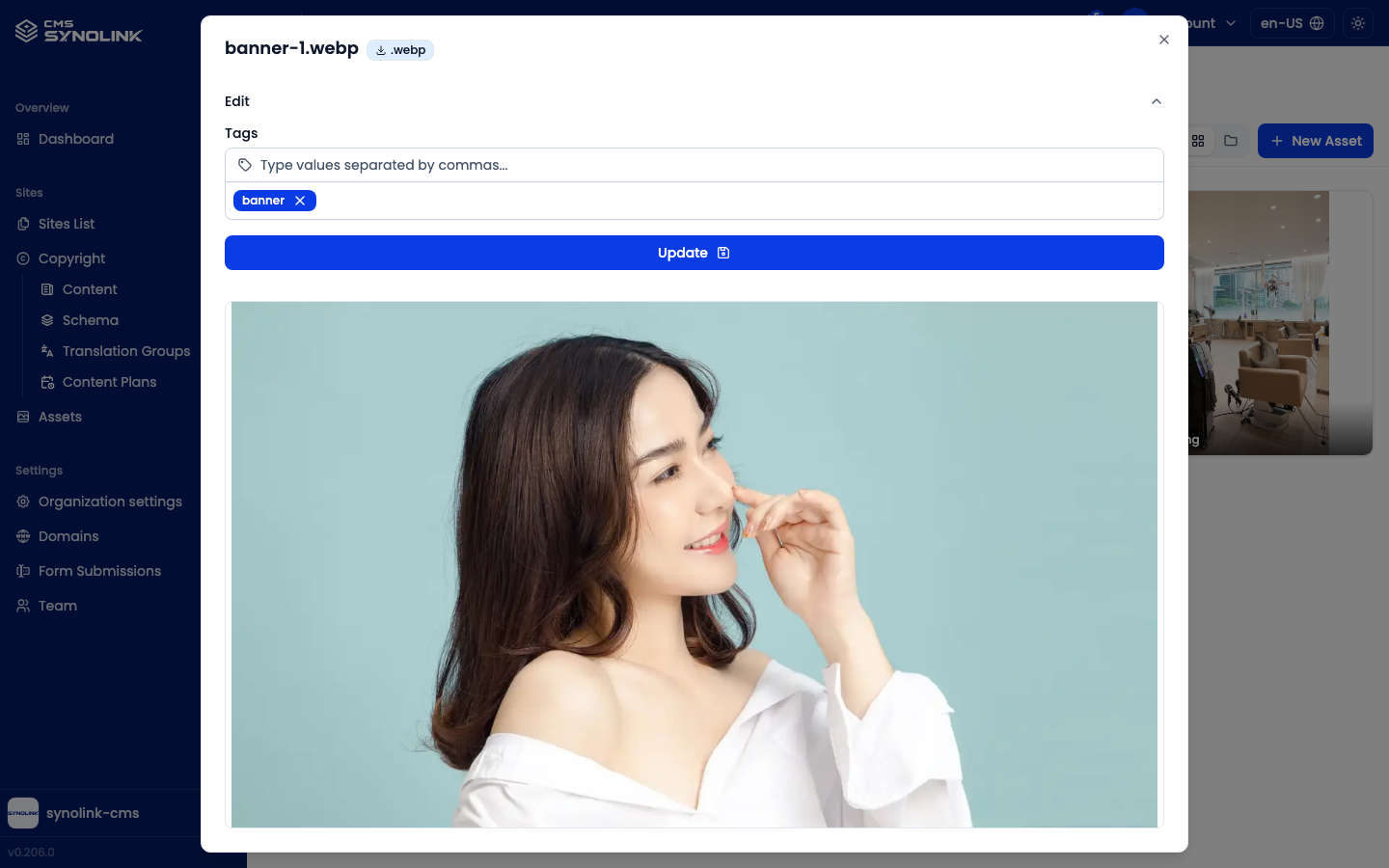
In the Preview dialog, expand Edit to change the asset's Tags, then click Update. Below the form is a full preview of the image, video, or document.
Deleting is permanent. The confirmation dialog warns that the action can't be undone.
Public / Private
Each asset is either Public or Private, set with the Public access checkbox at upload time.
- Public: images, videos, and files shown on your live website
- Private: files kept out of published pages, such as drafts and internal material (marked with a Private badge)
Use the Show private only toggle at the top of the screen to switch between the two lists.
Documents
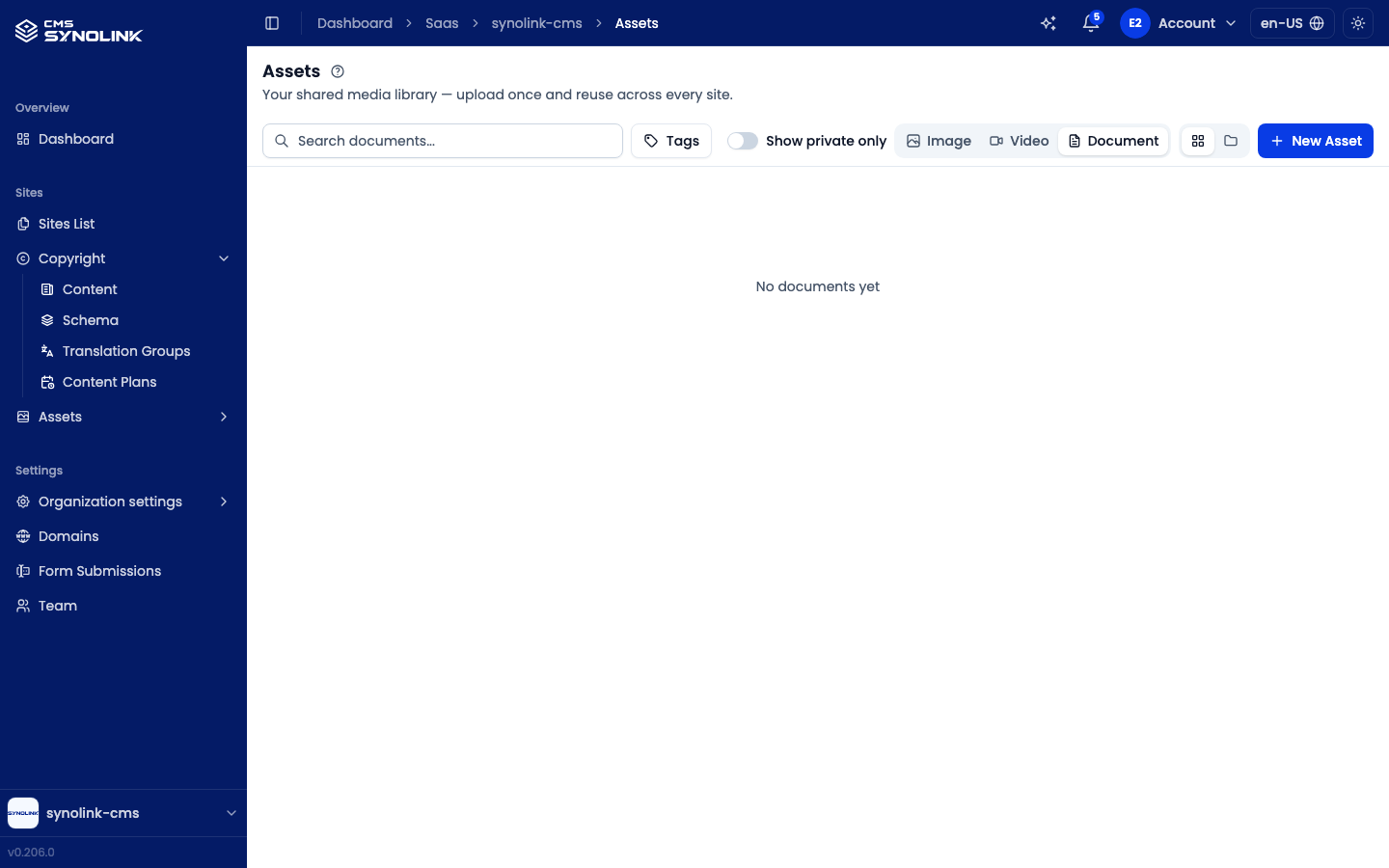
The Document tab lists files that aren't images or videos (PDF, office files, and so on) in a table with Name and Type columns. Each row has the same download, preview, and delete actions.
Where are they used?
Uploaded assets are reused across the CMS:
- Page Editor: image and gallery elements (see Page Editor)
- Content: banner, thumbnail, and image fields on the Media Assets tab (see Content: Writing & Translating)
- Design System: logo and brand imagery
Tips
- Upload assets in advance so you can pick them from the library wherever an image is needed.
- Use clear file names and tags so assets stay easy to find as your library grows. Directory view's Add tag lets you tag many files at once.
- Turn on Convert to WebP for large photos to keep pages fast.