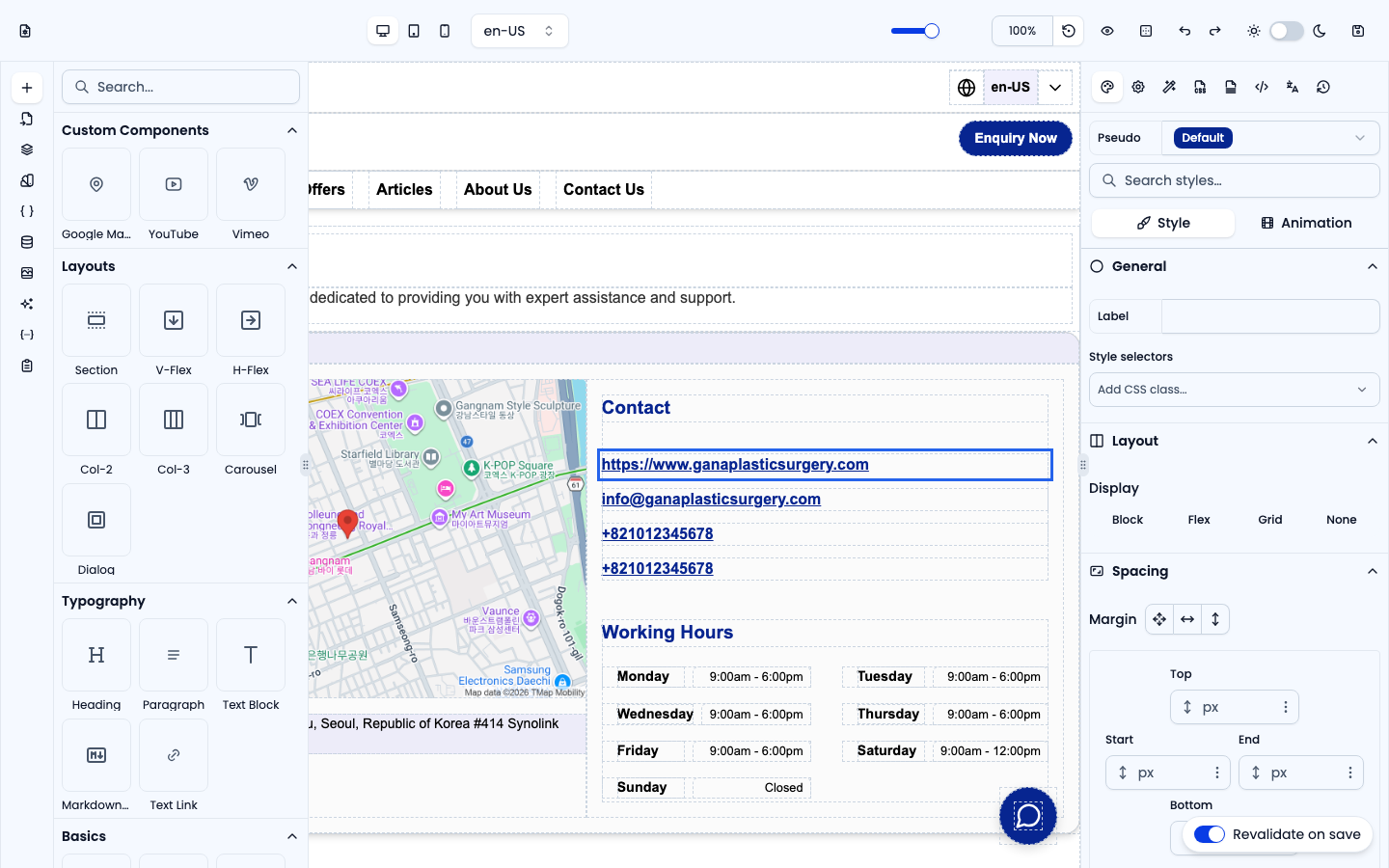
The Typography group holds every text element. Drop one on the canvas and double-click to edit its content directly.
Heading
A heading element (<h1>–<h6>, default H1). It applies the site's responsive heading style automatically; change the level in the Settings panel.
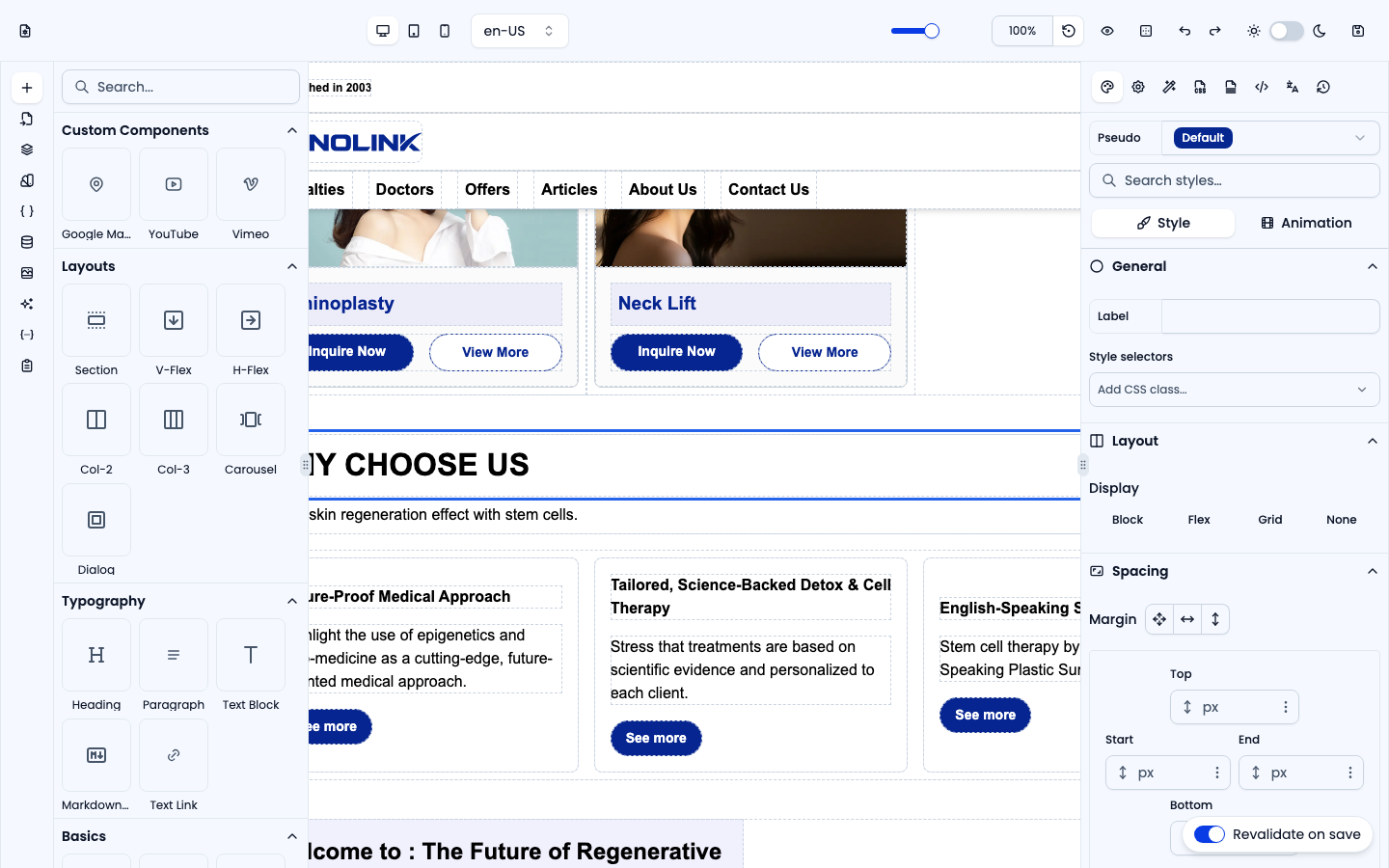
Paragraph
A multi-line text block that preserves line breaks — the best choice for body copy and longer descriptions.
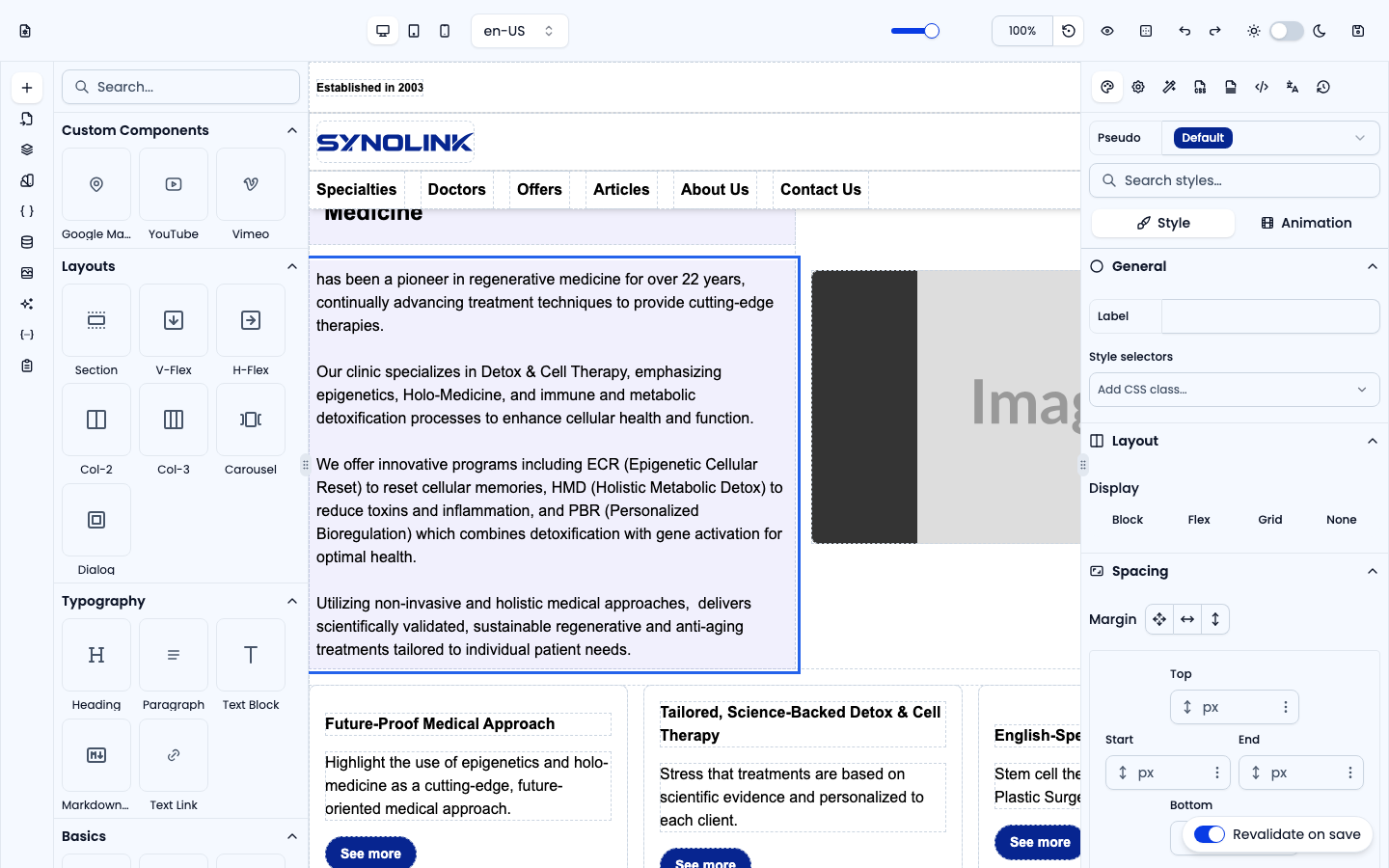
Text Block
A short inline text span, ideal for labels, captions or a few words inline with other elements.
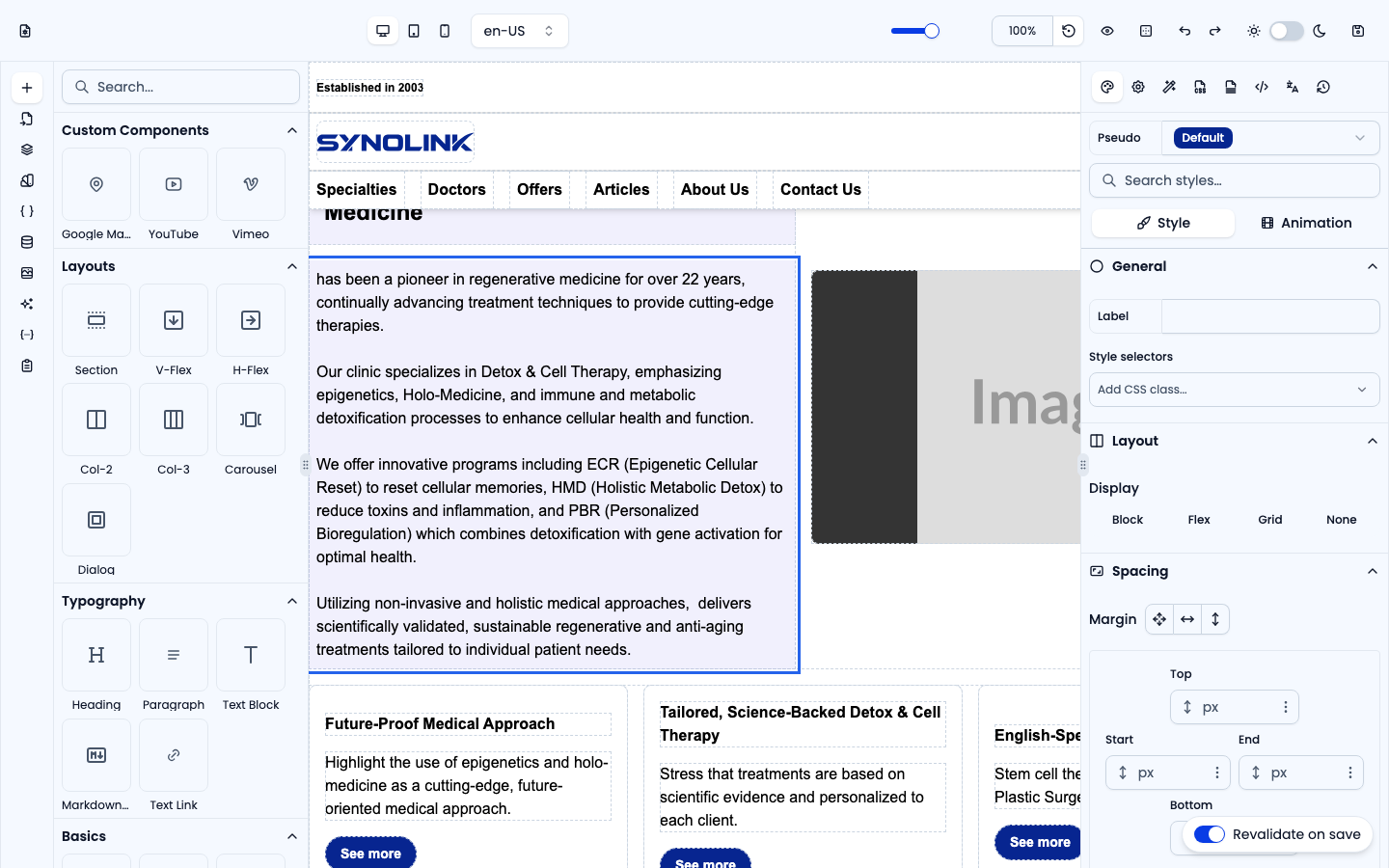
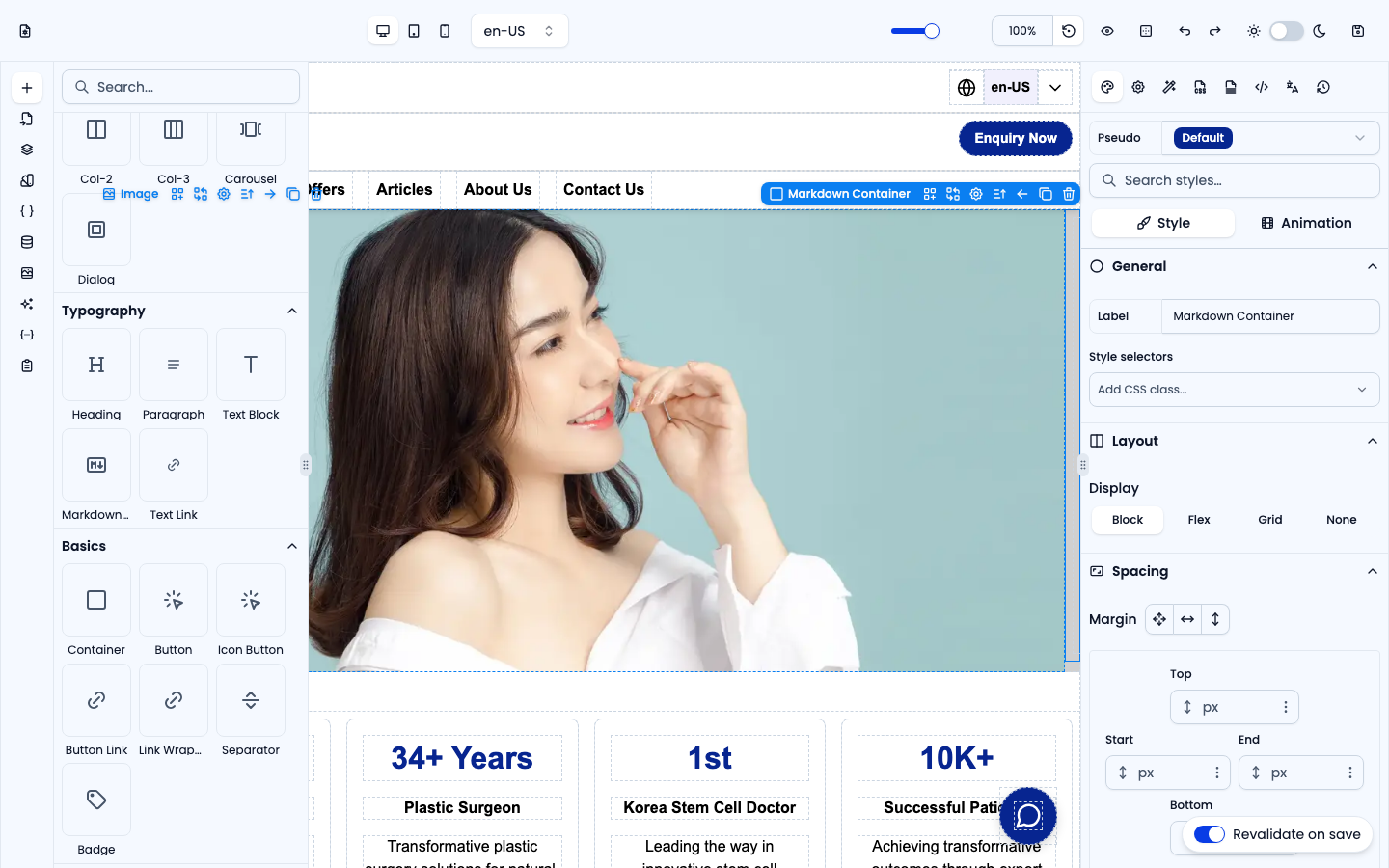
Markdown Container
A container that renders GitHub-flavoured Markdown. Type Markdown (or bind a {{variable}}) and it is rendered as formatted HTML — handy for rich article-style content.
Text Link
An inline hyperlink (<a>) for links inside a sentence or paragraph. Set the destination URL in Settings.