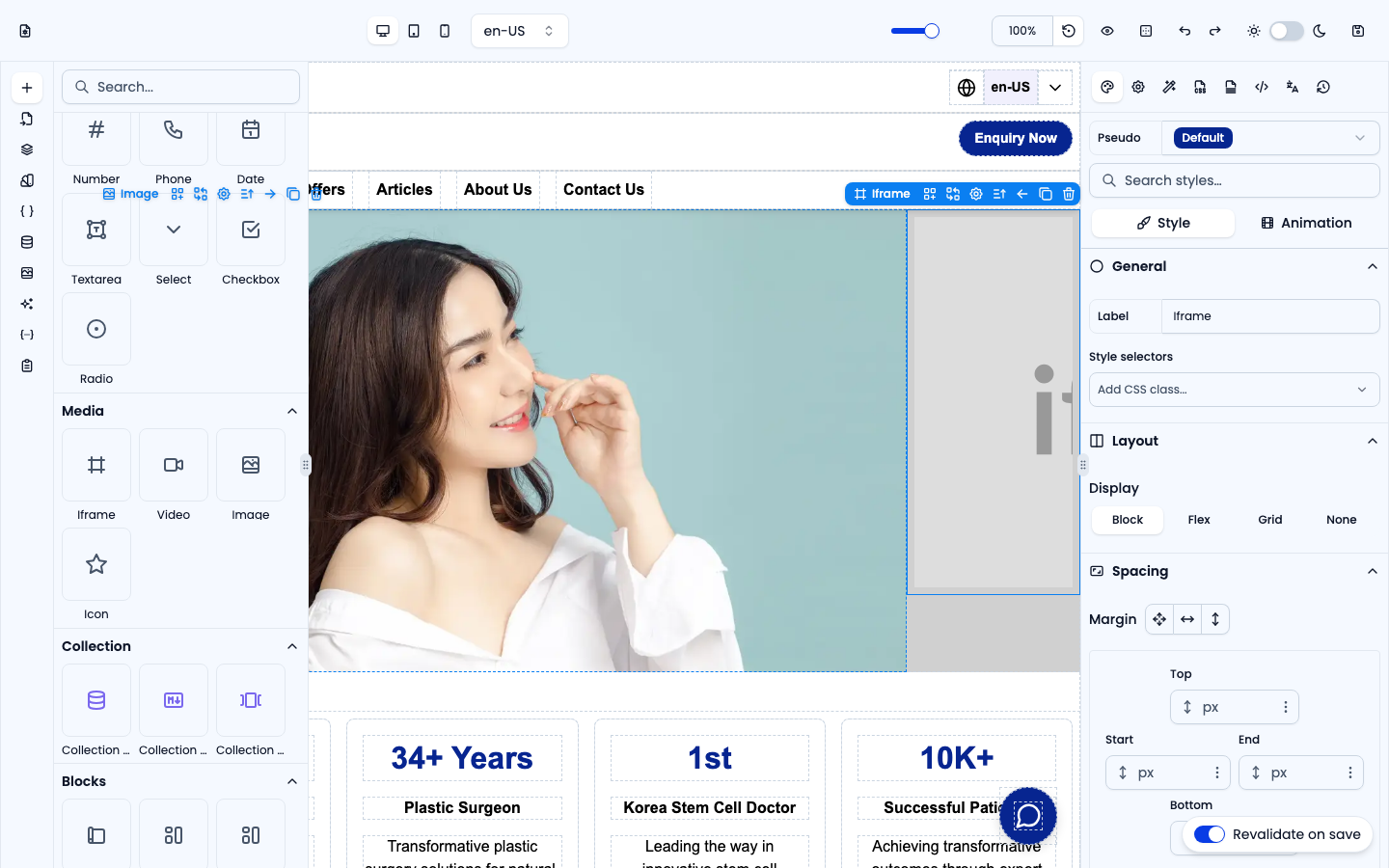
The Media group holds visual embeds. Pick images, videos and icons from the Assets panel, or paste your own. (YouTube, Vimeo and Google Maps embeds live in the Custom Components group at the top of the Elements panel.)
Image
An image element with object-fit: cover. Set the source, alt text, width and height in Settings, or choose a file from the Assets panel.
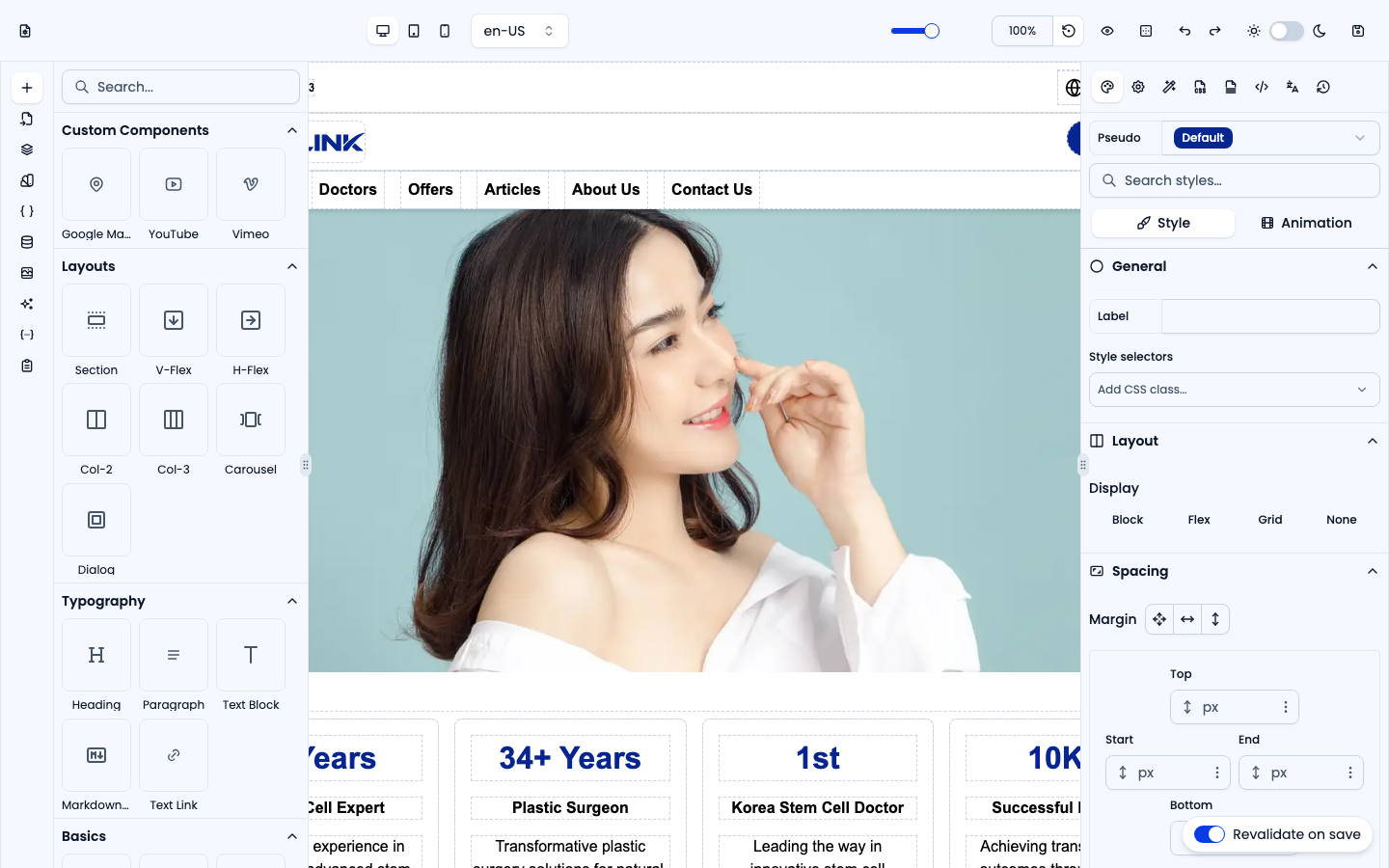
Video
Plays a video file (default 600 × 400 px). In Settings, set the Video URL (or pick an uploaded video from Assets), the size, object fit and position, and switch Controls, Autoplay, Muted and Loop on or off.
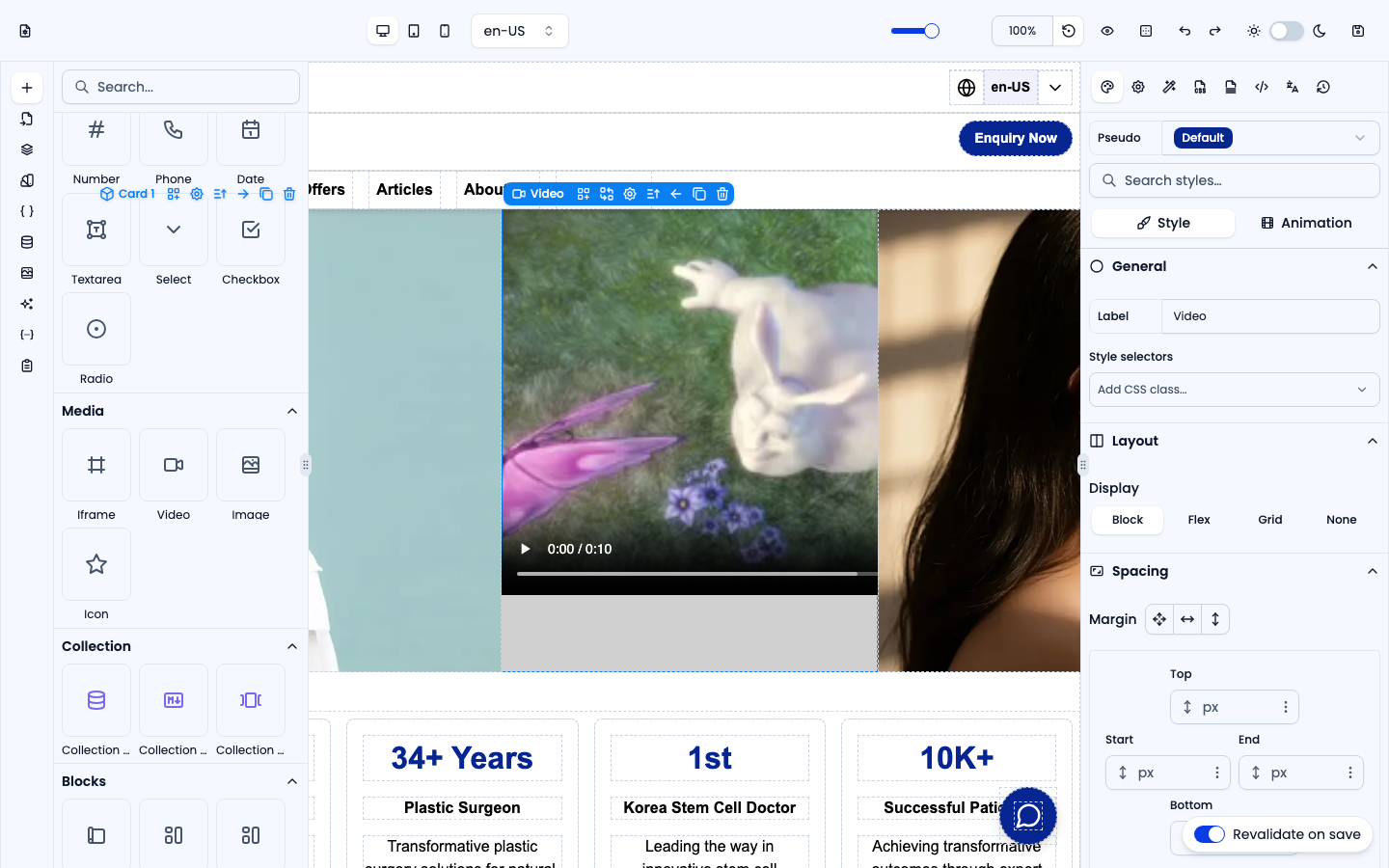
Icon
An SVG icon (default: a chevron). In Settings, pick another icon from the searchable icon grid or paste your own SVG markup; you can also drag one in from Assets. Icons inherit the current text color.
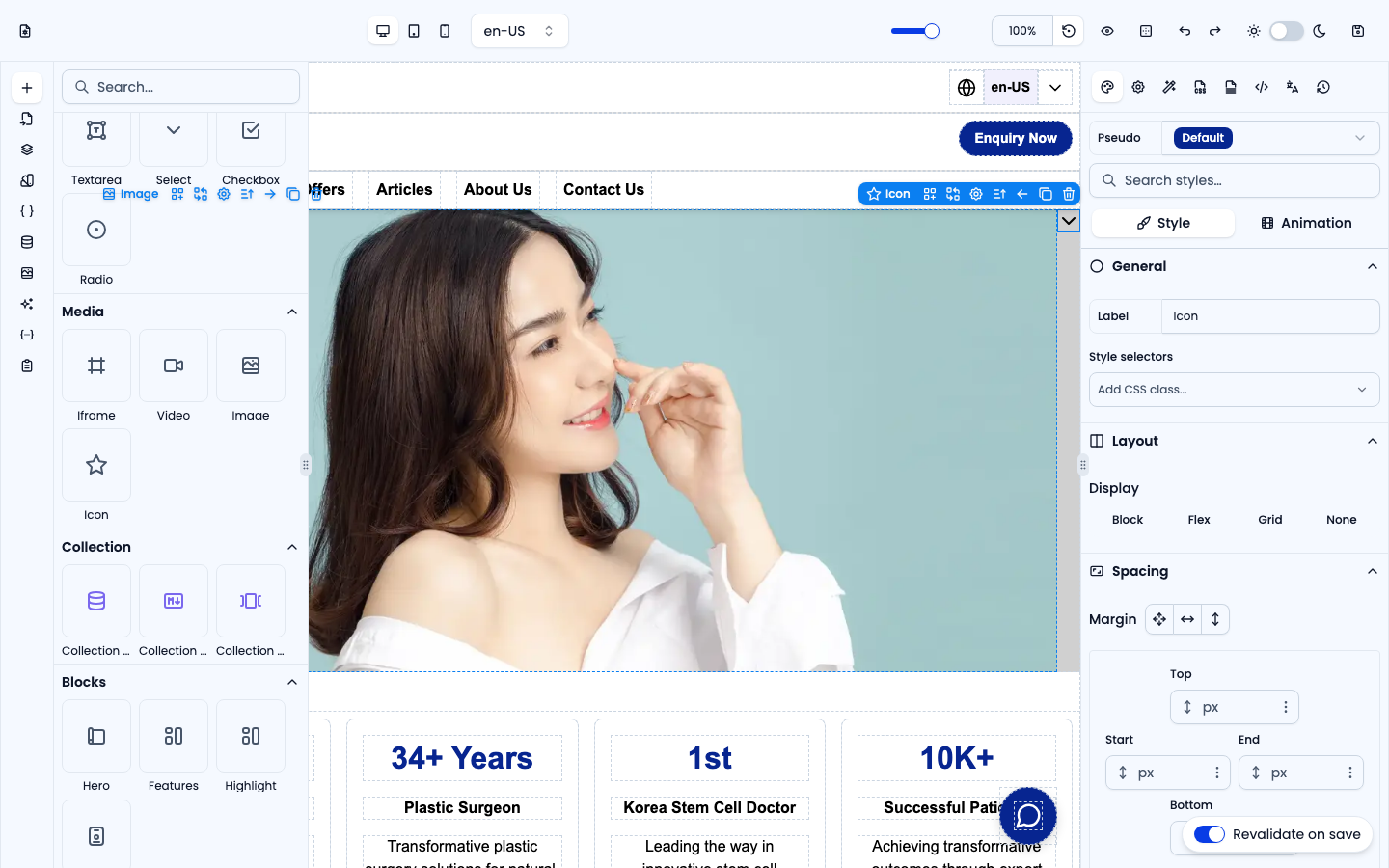
Iframe
Embeds an external URL inside a frame (default 600 × 400 px) — use it for maps, videos or any third-party embed.