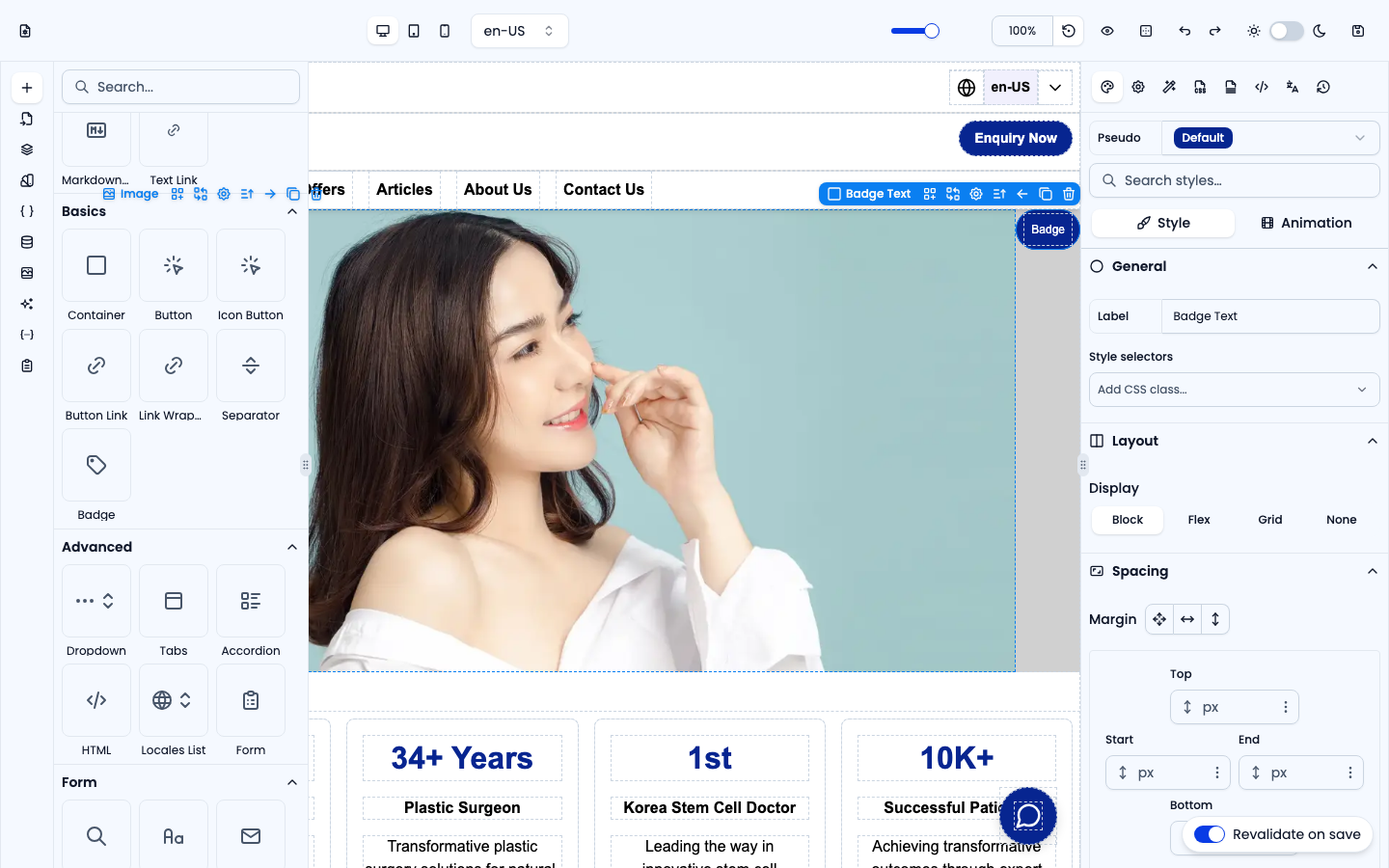
The Basics group holds the fundamental building blocks you use most often. Open the Elements panel on the left, expand Basics, and drag an item onto the canvas. Each screenshot below shows the element inside the editor.
Container
A generic block-level box (width 100%) — the default wrapper for grouping other elements. Drop other elements inside it to build rows, cards, and sections.
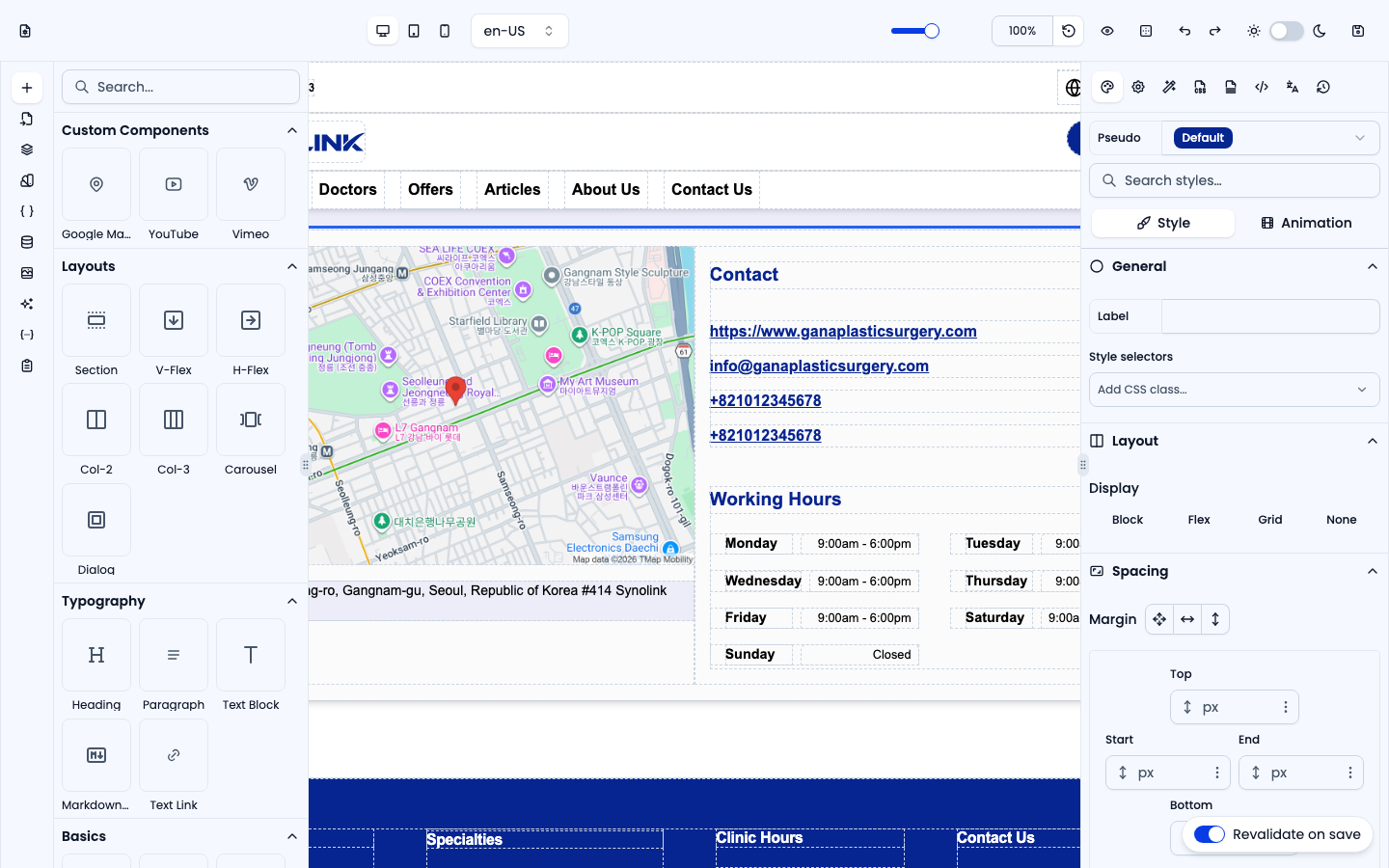
Button
A clickable button with a configurable action (show an alert, navigate to a page, or trigger a custom event). Set the action in the right-hand Actions panel; style it in Style.
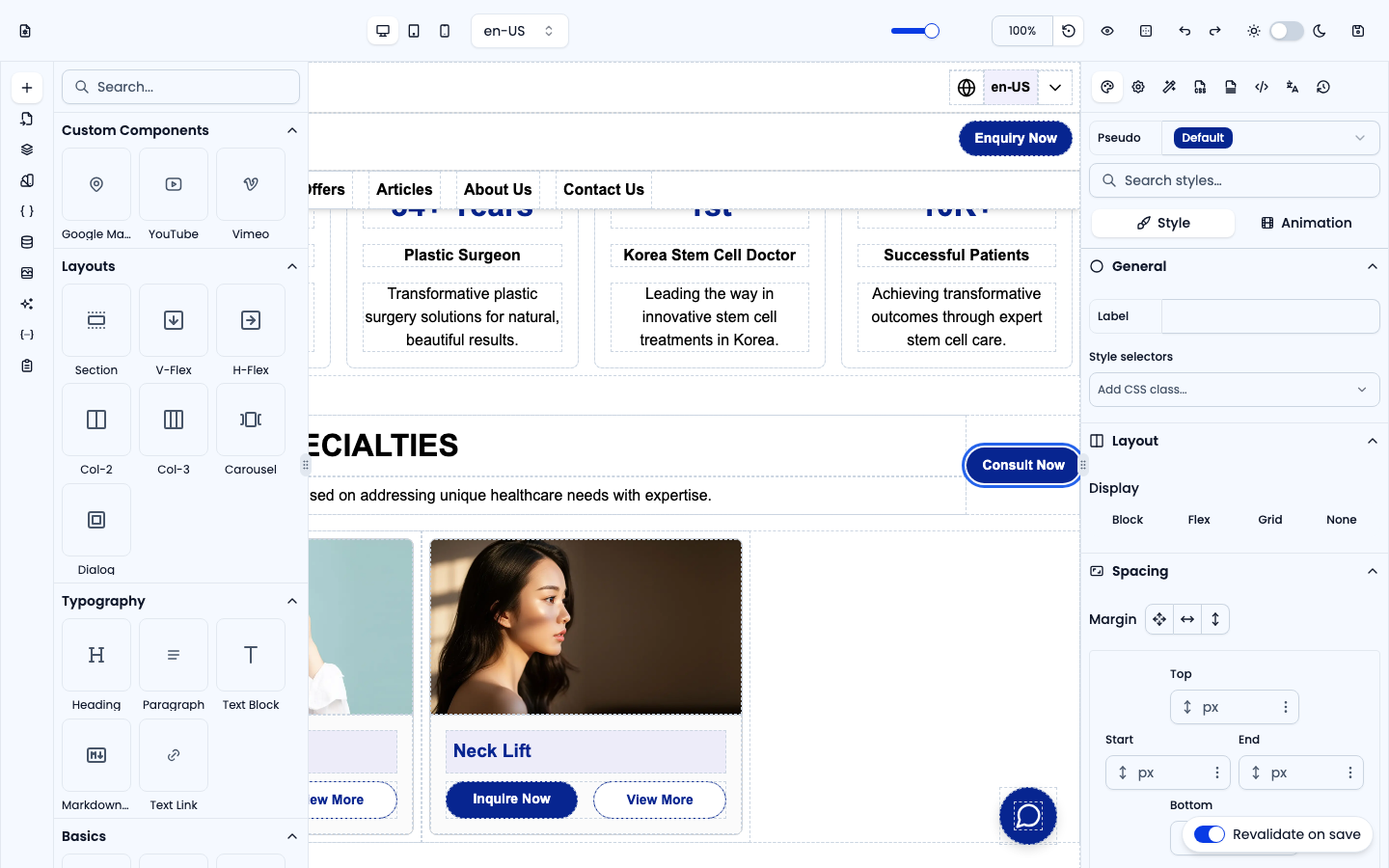
Icon Button
A Button with an icon placed before its label. It behaves like Button — set the click action in Actions — and you can swap the icon by selecting it and picking another in Settings (or from Assets).
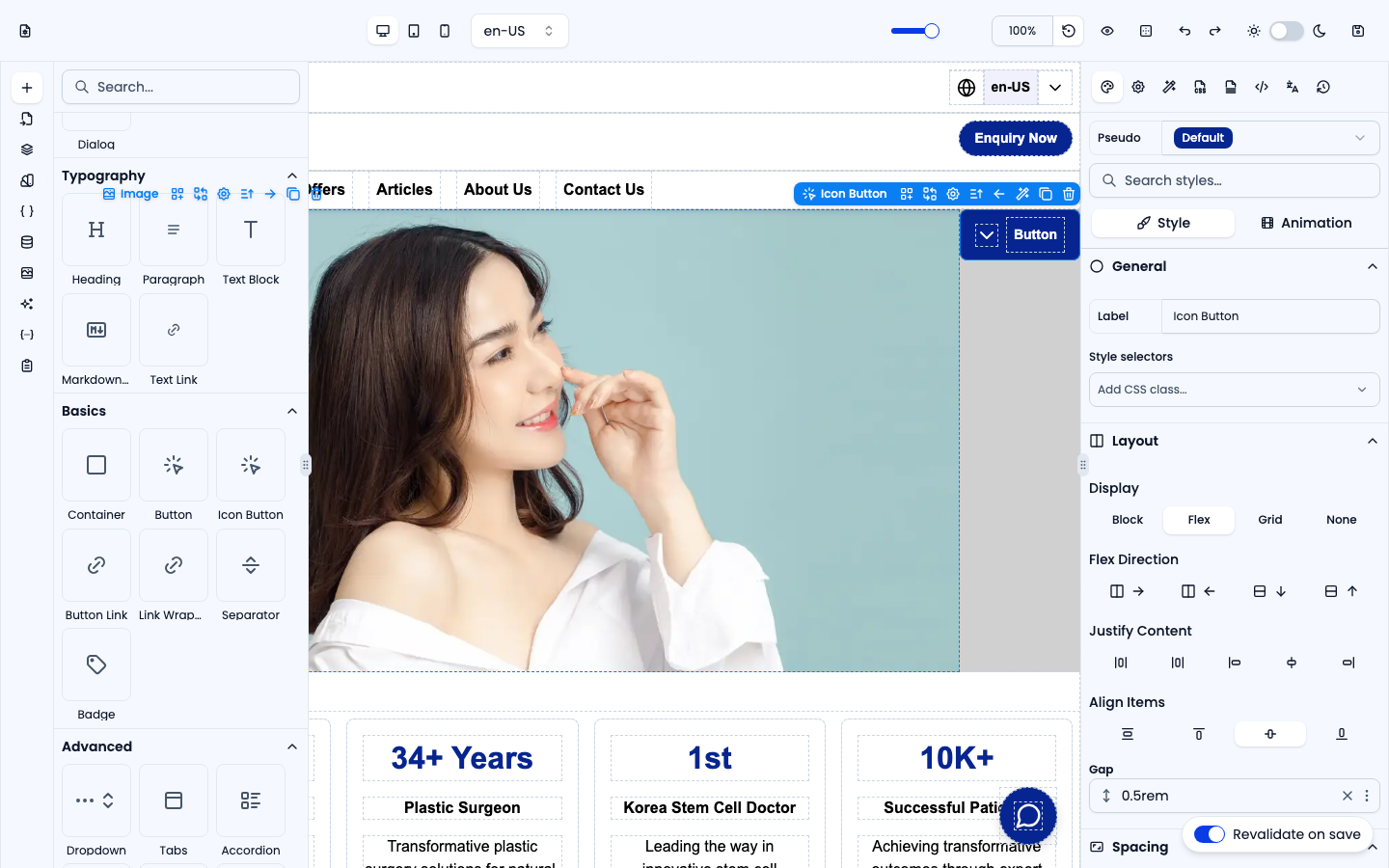
Button Link
A link styled to look like a button. Use it when the click should navigate to a URL (internal or external) rather than run an action.
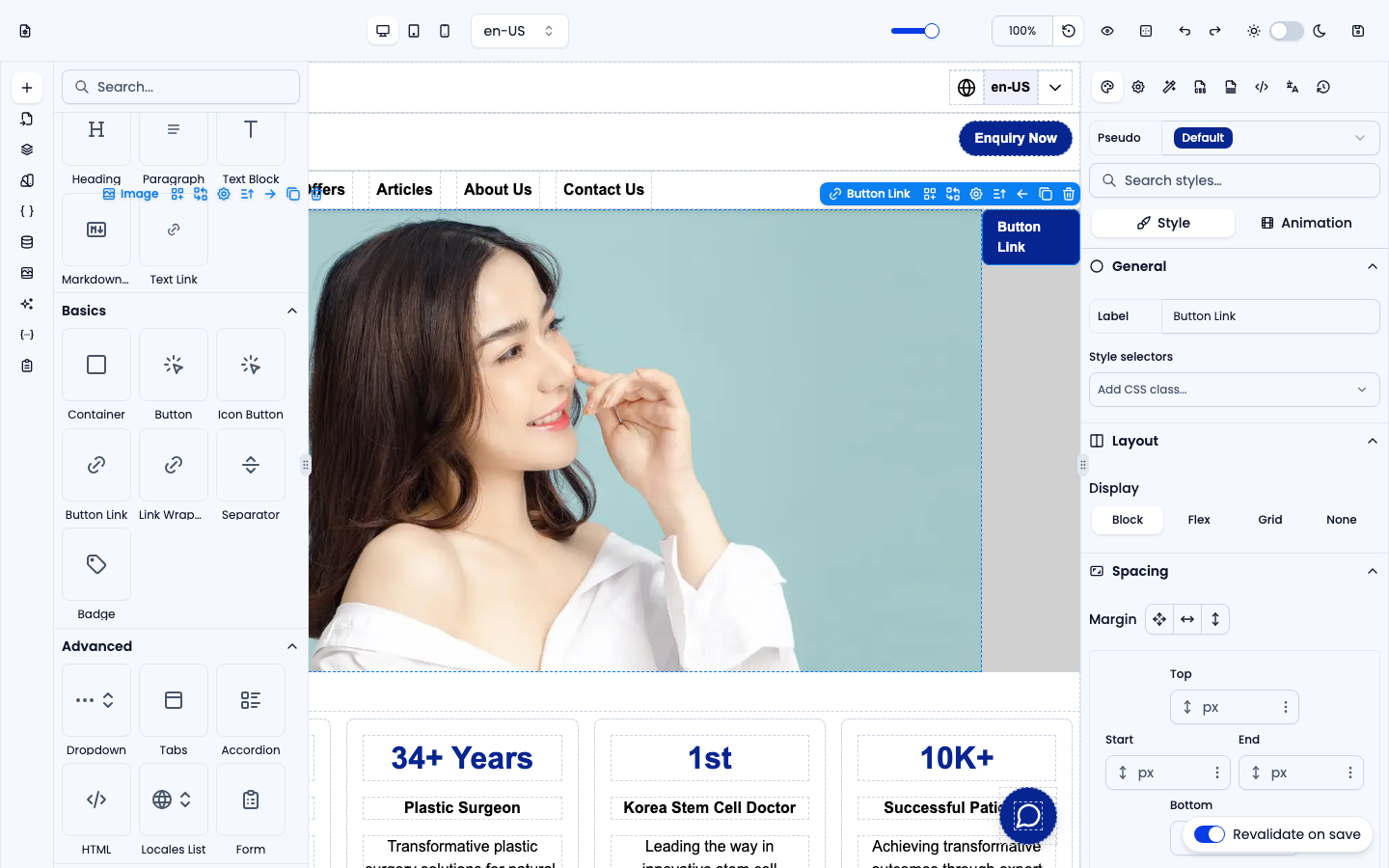
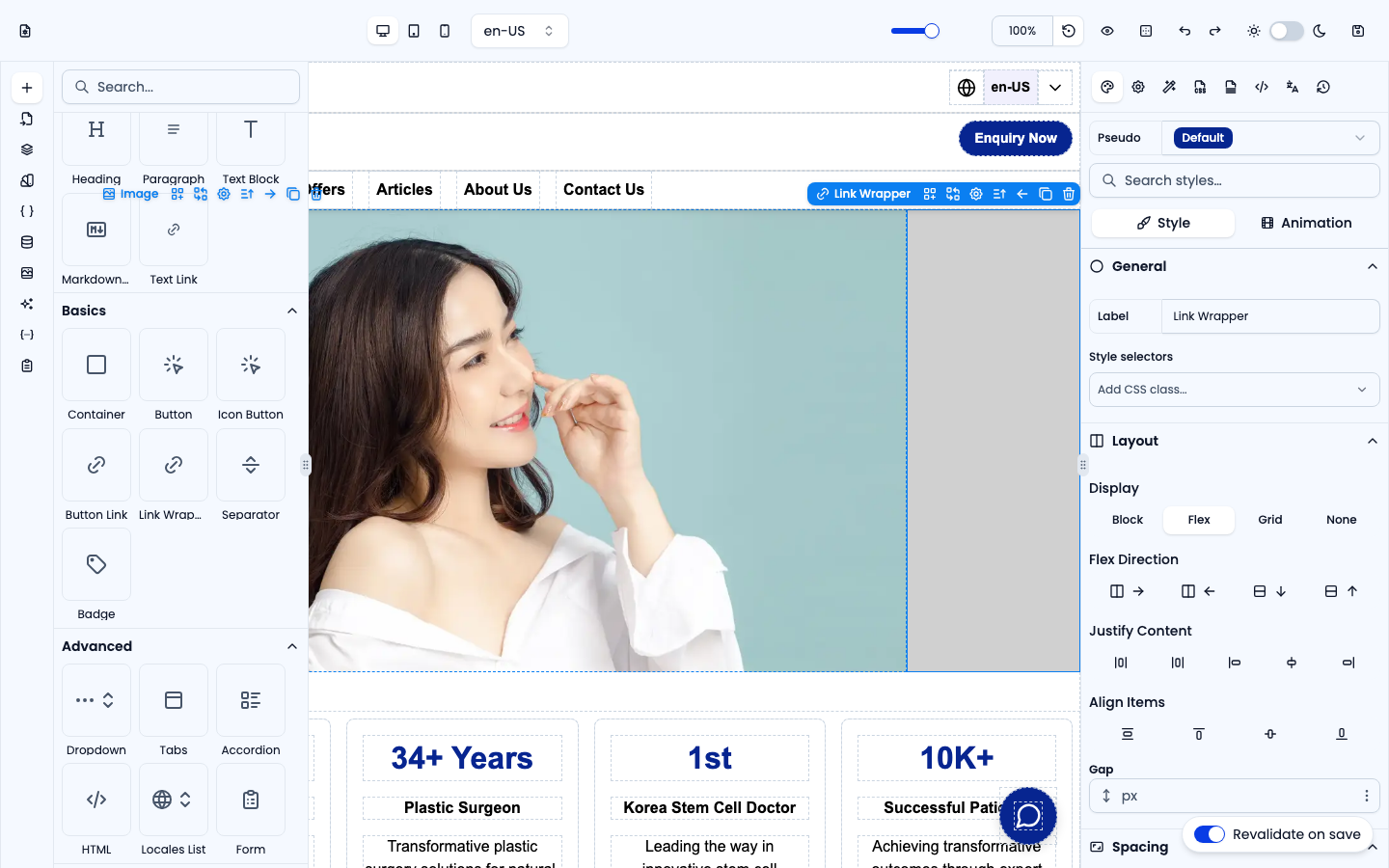
Link Wrapper
A full-width link container. Wrap any group of elements (an image, heading and text, say) so the whole block becomes one clickable link.
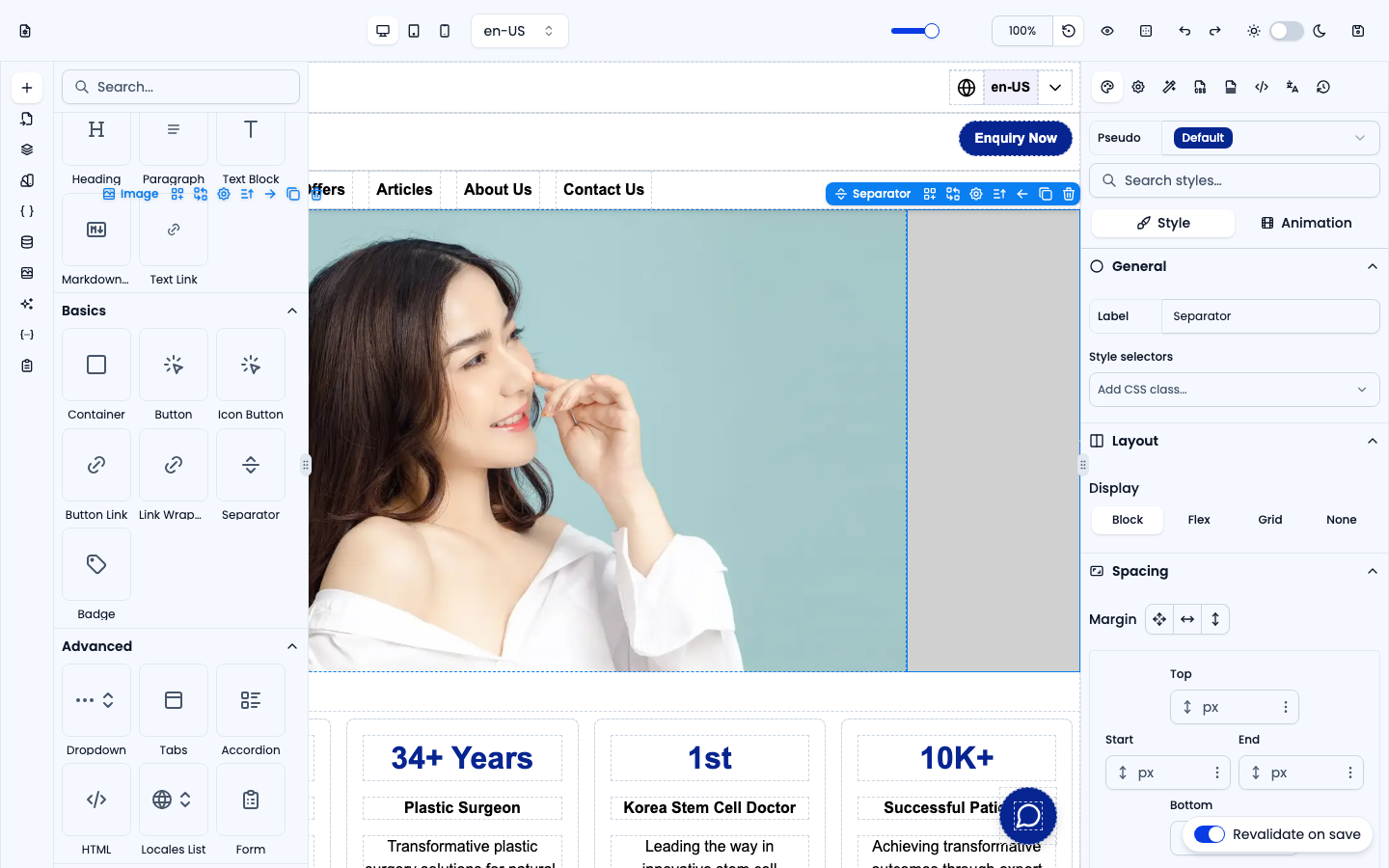
Separator
A thin horizontal divider line, useful for visually splitting sections. Adjust its color and thickness in Style.
Badge
A small pill-shaped label for tags, statuses or highlights, with an accent background by default.