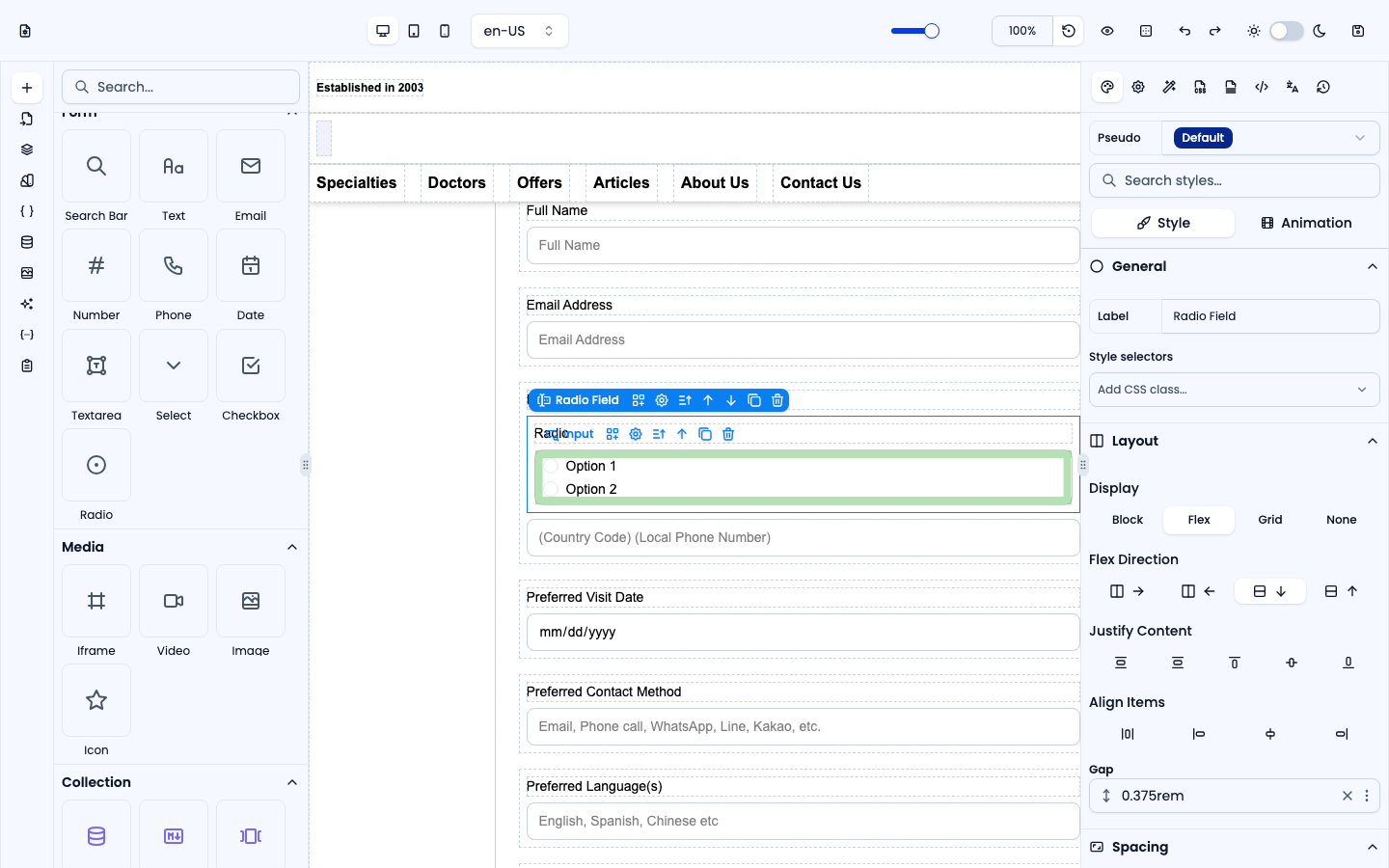
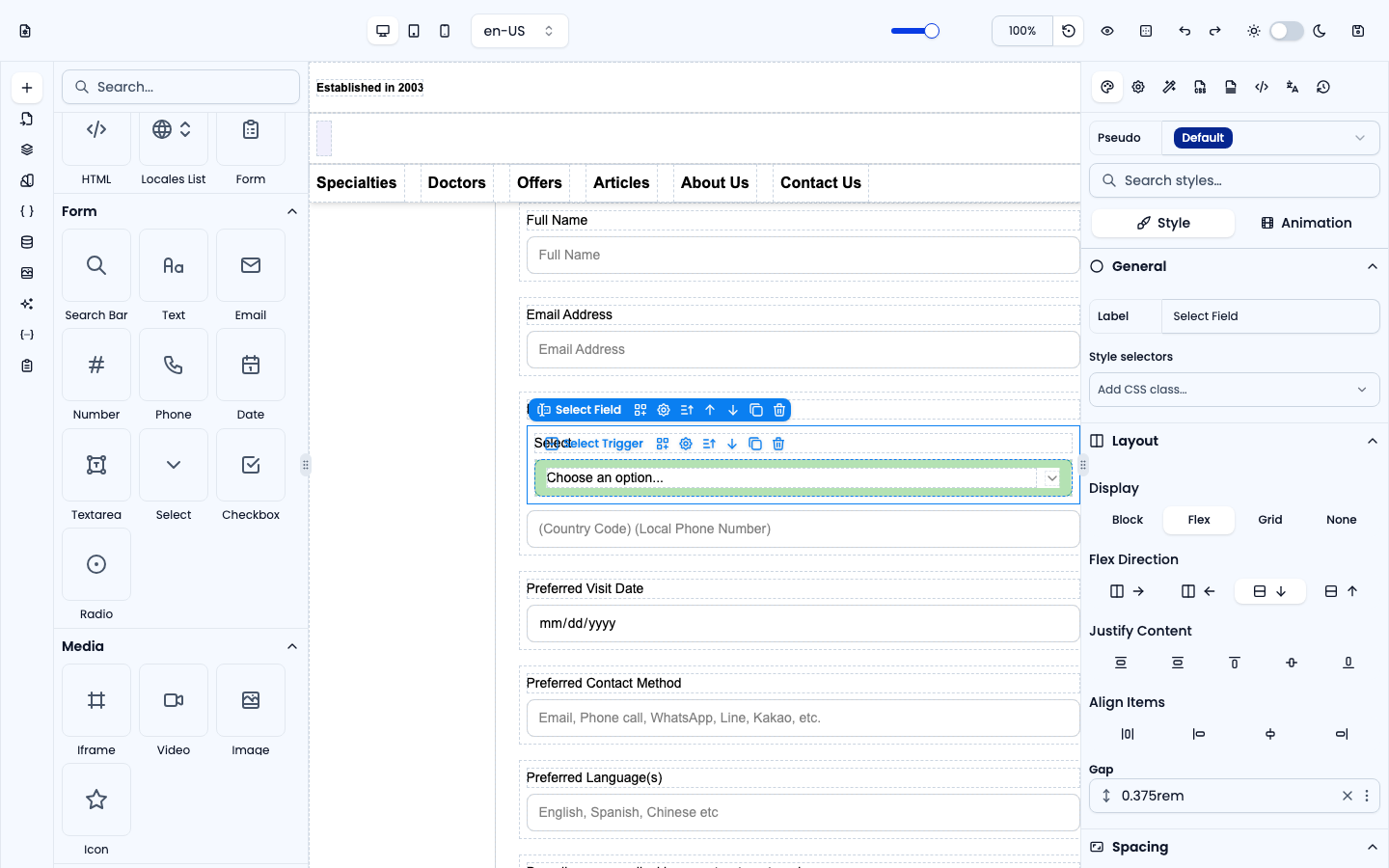
The Form group holds a ready-made Search Bar plus individual fields you drag inside an existing Form element (see Components: Advanced) to add inputs one at a time. Each field has a configurable name, label and validation in the Settings panel. Submissions appear under Form Submissions.
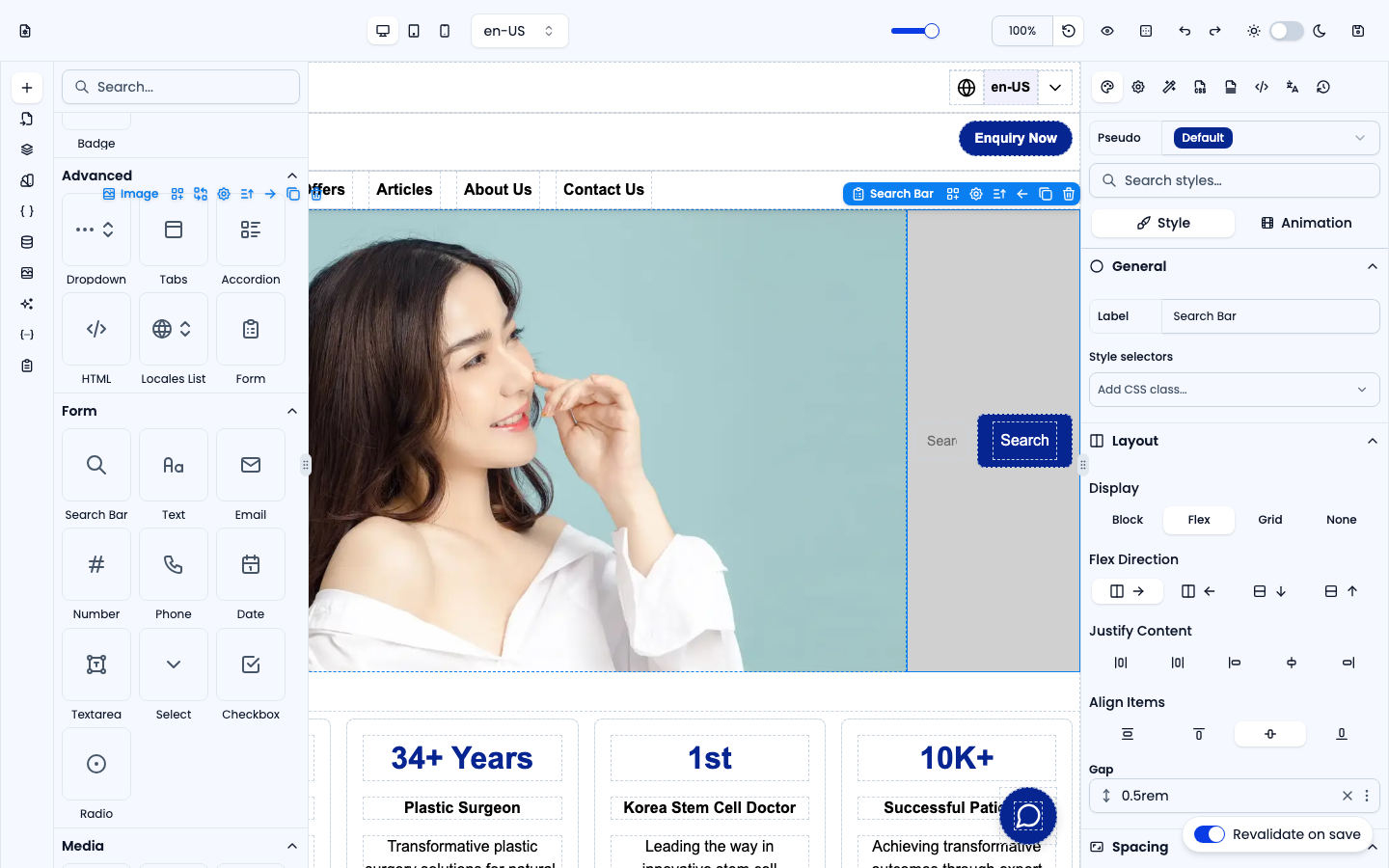
Search Bar
A complete search form: one text input and a Search button. Unlike a contact form it doesn't submit anywhere — in Settings its mode is Navigate with query, so submitting opens the page in Go to (default /search) with the input as a query parameter, e.g. /search?q=…. Change Go to to point it at your own search page.
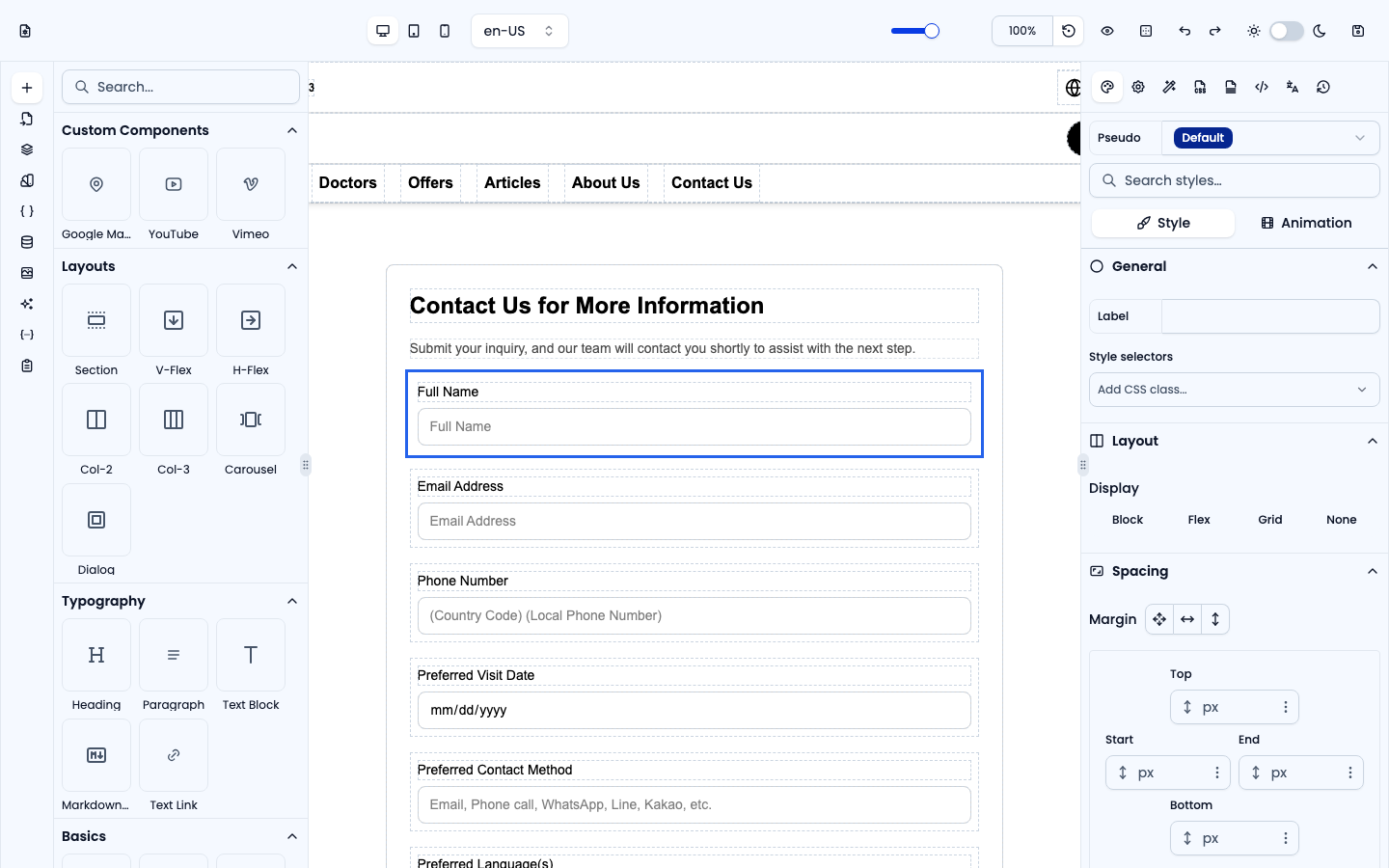
Text
A single-line text input, for names and other short free-text answers.
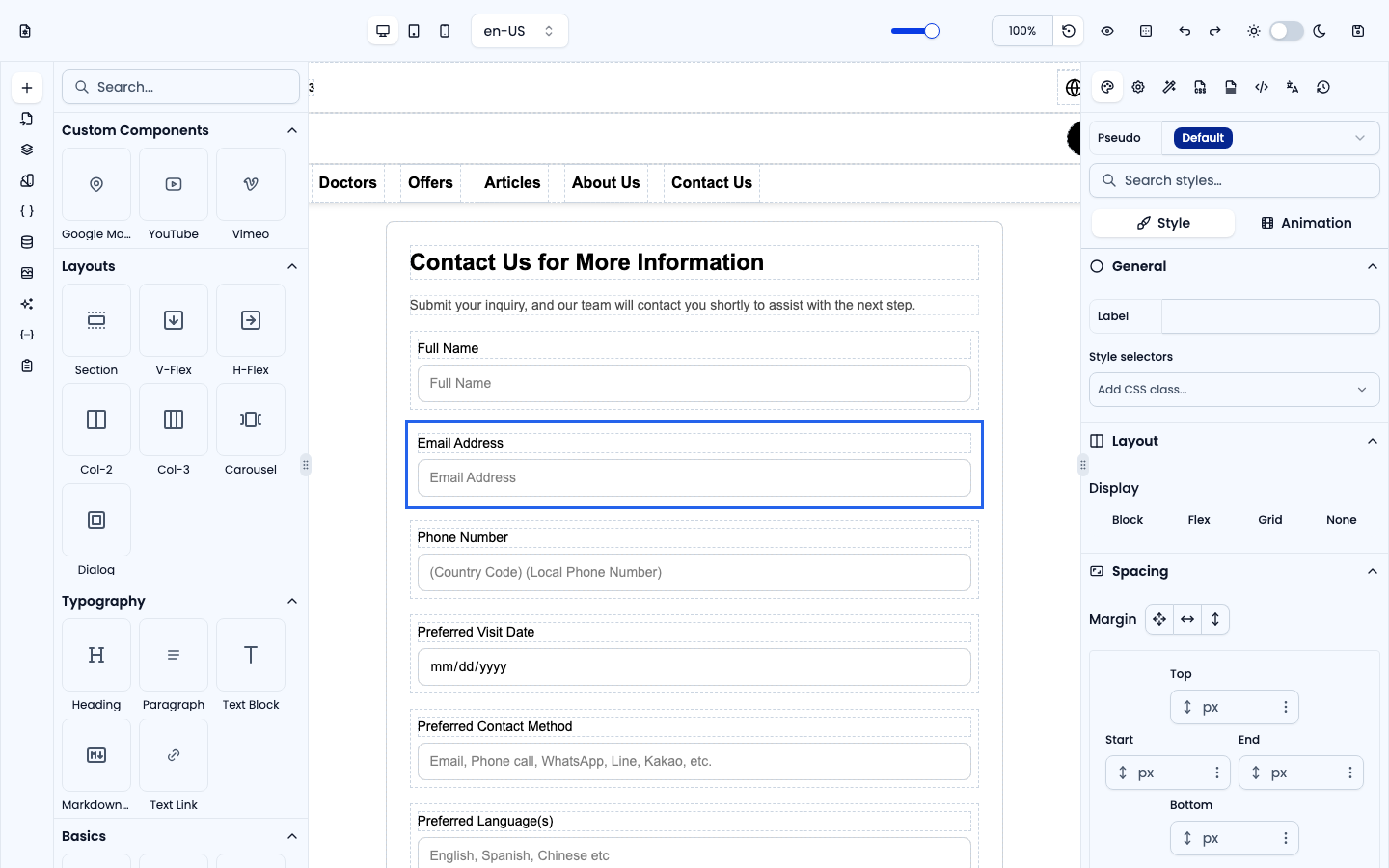
An email input with built-in format validation.
Number
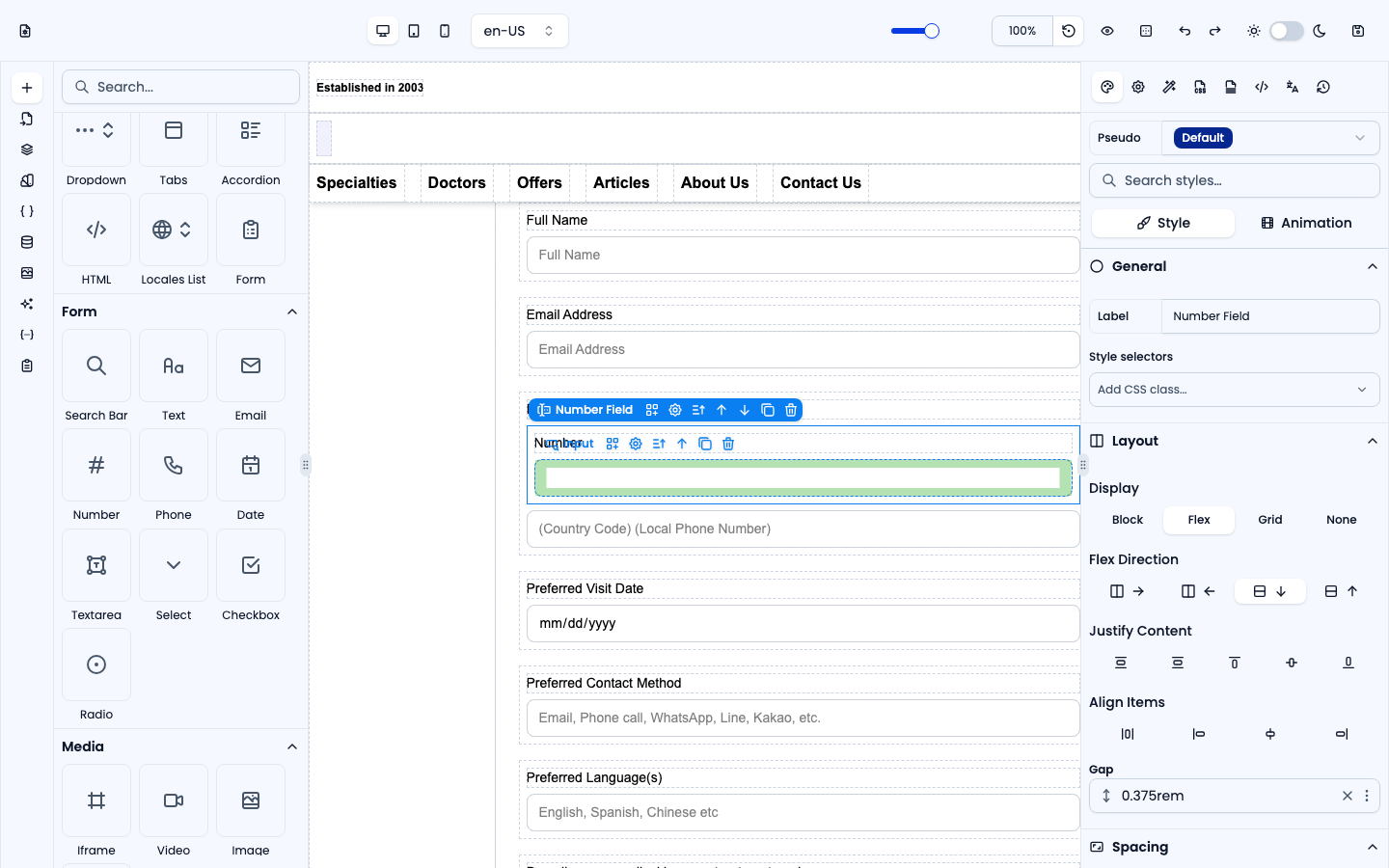
A numeric input that only accepts numbers.
Phone
A telephone input (with a +1 (555) 000-0000 placeholder by default).
Date
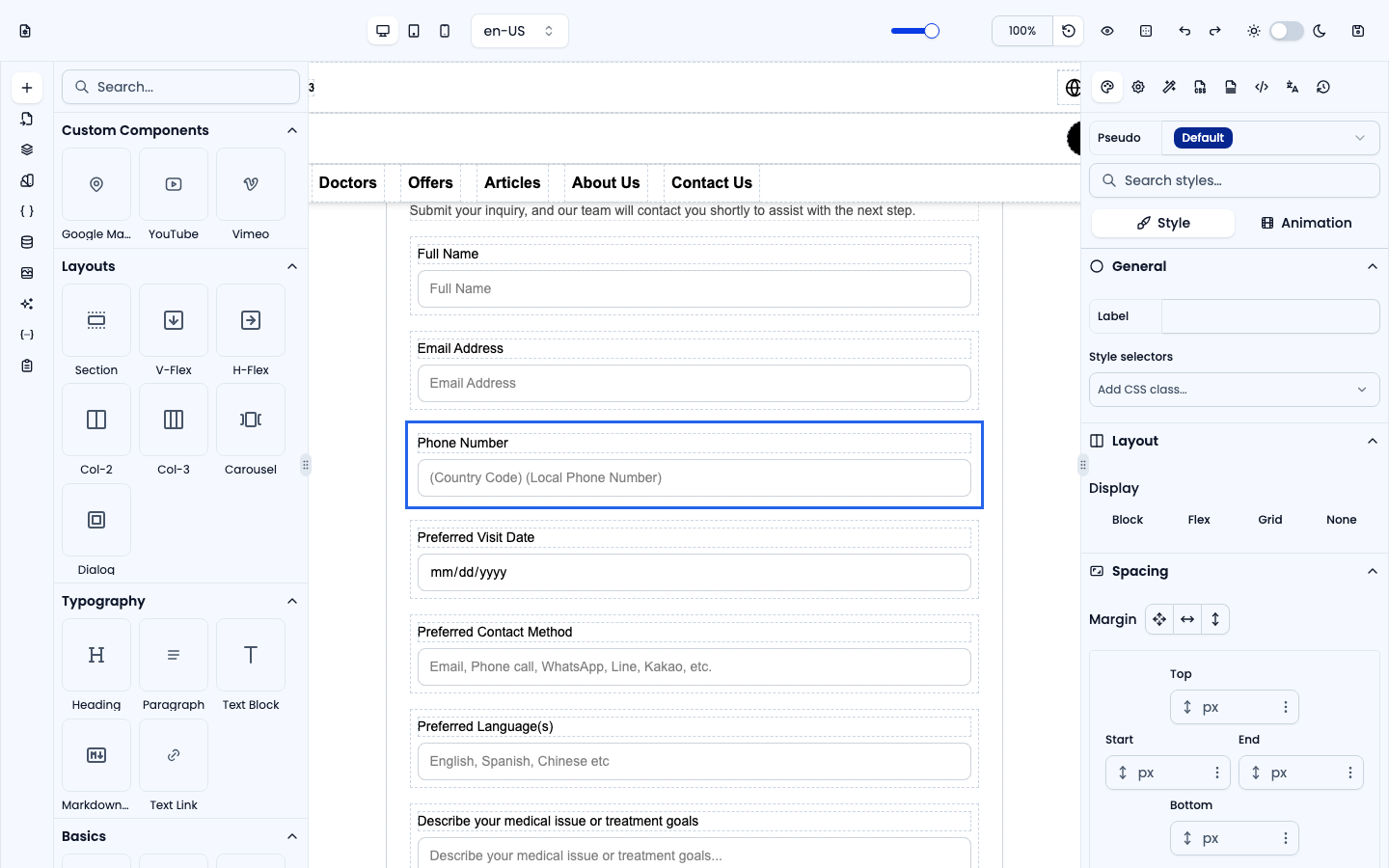
A date picker input.
Textarea
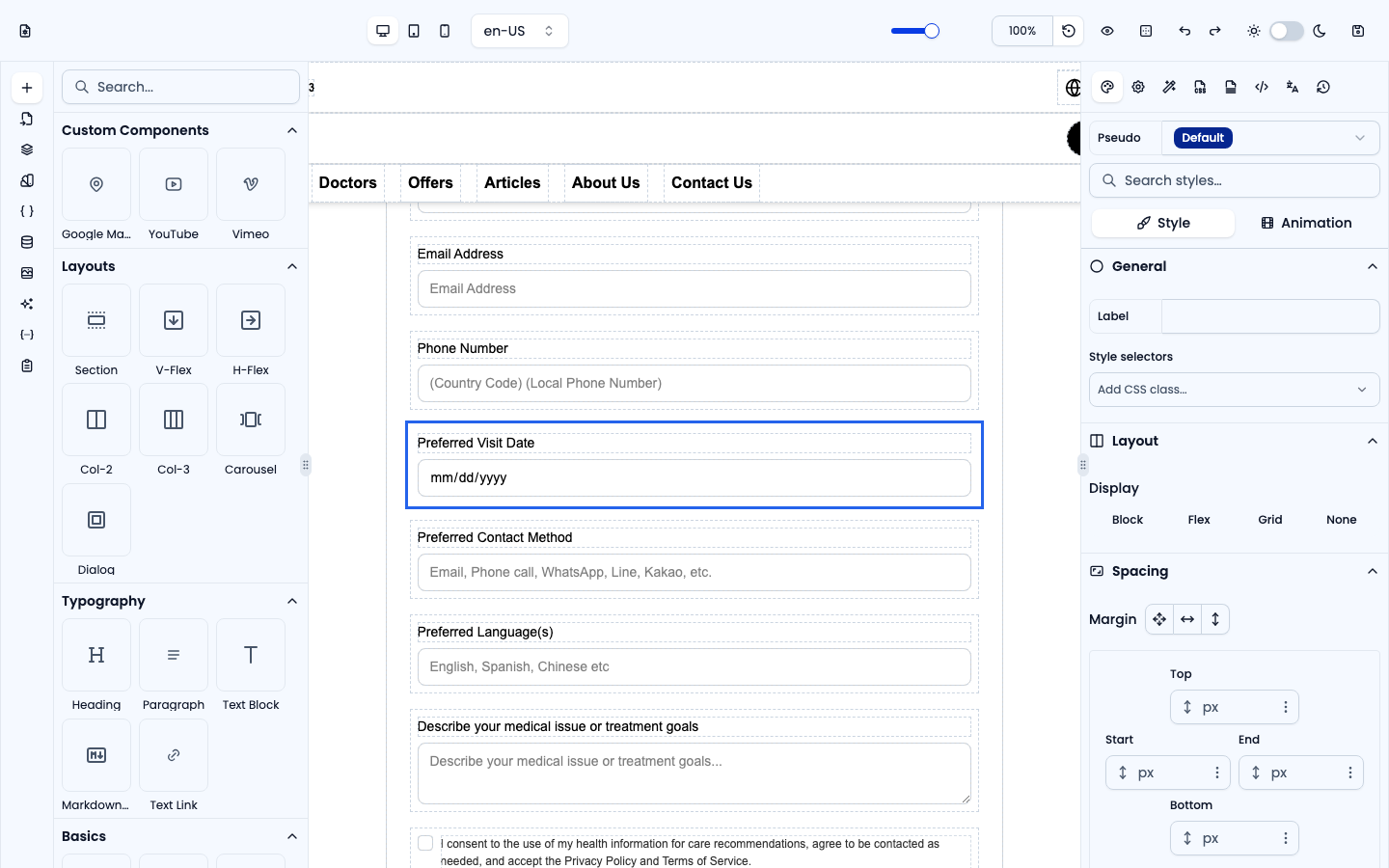
A multi-line text area for longer messages.
Select
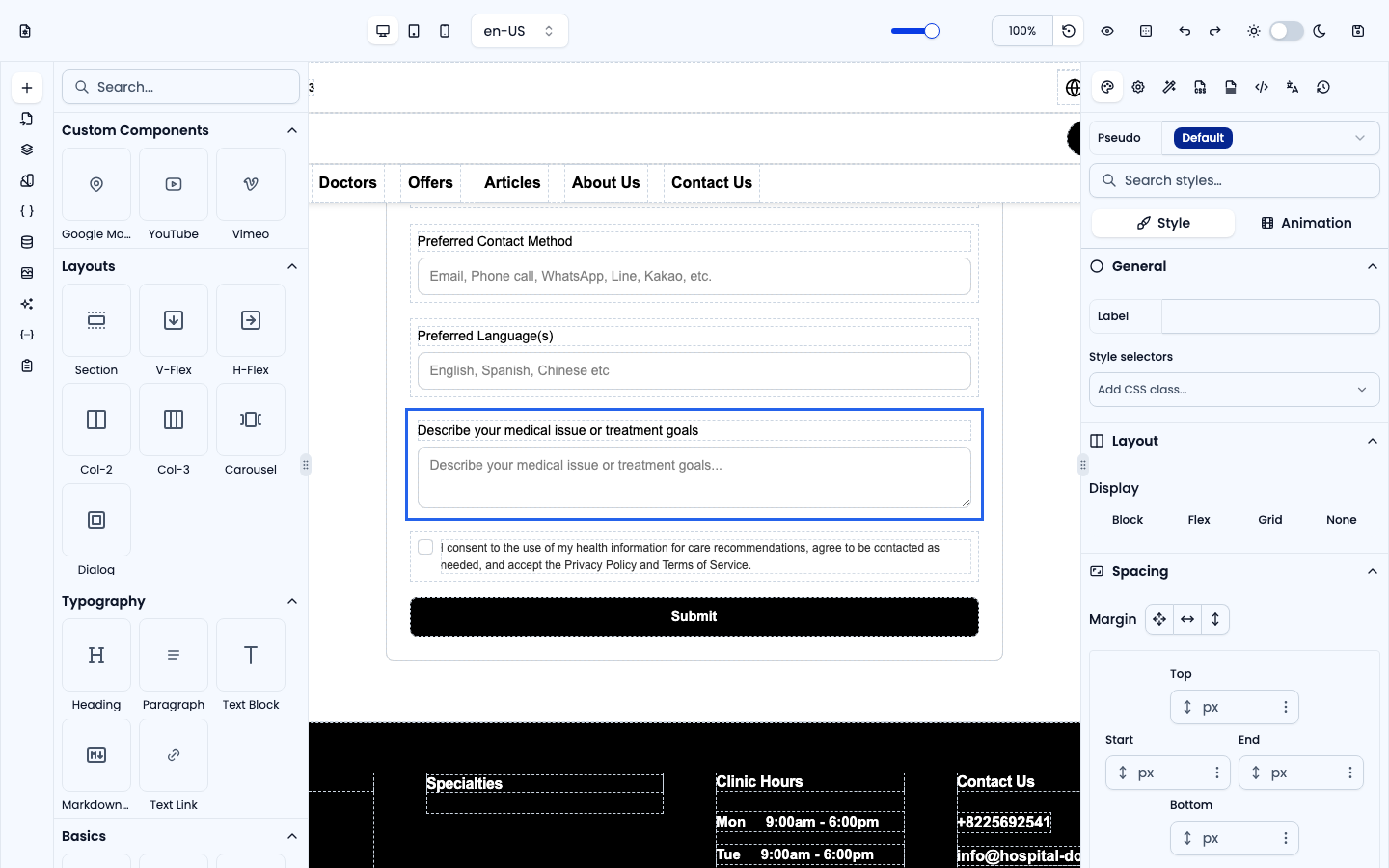
A dropdown with configurable options — define the option list in Settings.
Checkbox
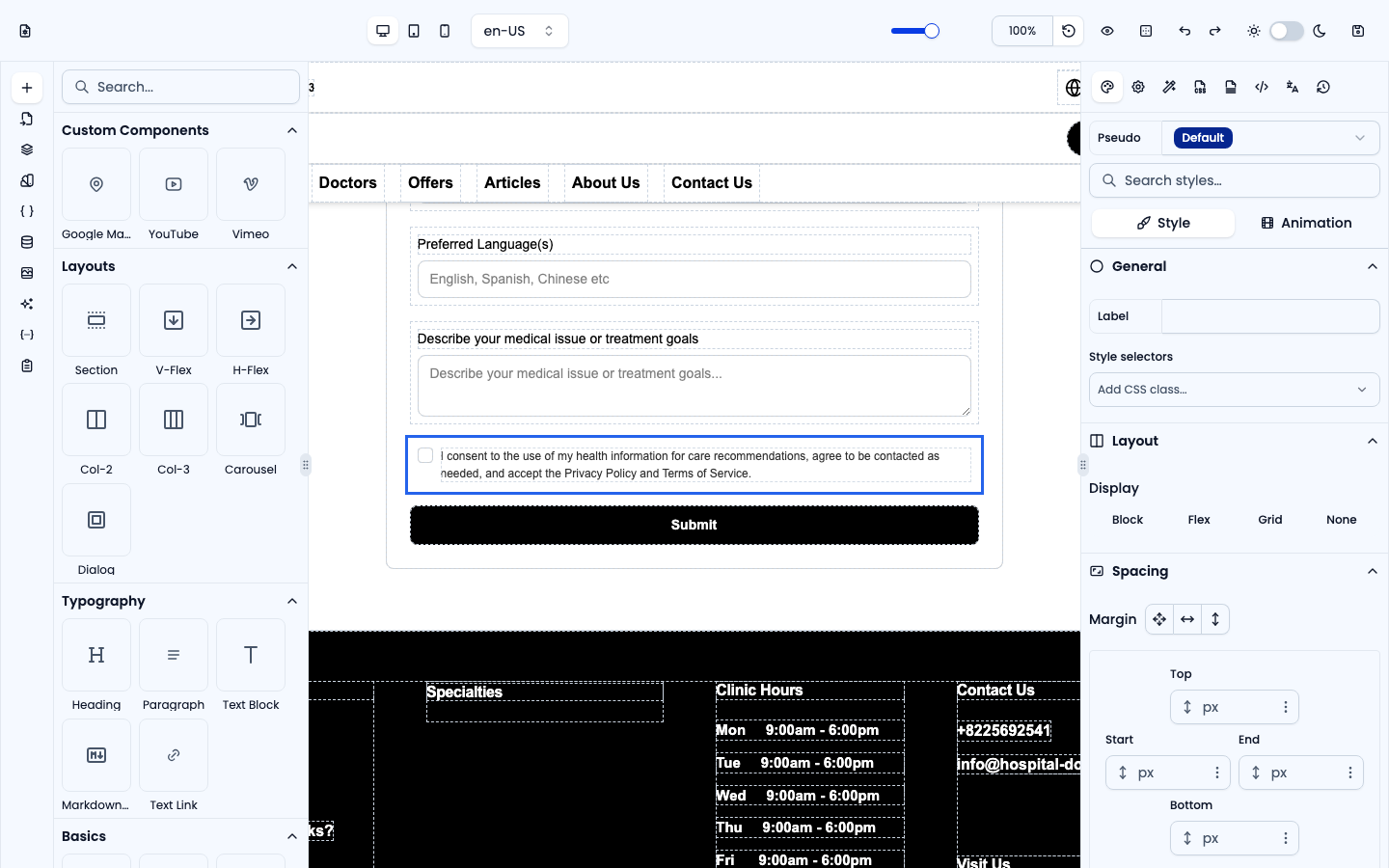
A single checkbox, for opt-ins and yes/no answers.
Radio
A group of radio buttons where the visitor picks one option.